Tips for building Bubble Tea programs
Practical architecture, debugging, testing, and layout guidance for building responsive Go terminal UIs with Bubble Tea. The central discipline is to keep the event loop fast, model state message-driven, and concurrency-aware.
Tips for building Bubble Tea programs
Author: Louis Garman | Published: 2024-08-24 | Generated: 2026-04-15 | Domain: leg100.github.io
Tags: ‘#golang’ ‘#bubbletea’ ‘#tui’ ‘#terminal’ ‘#testing’ ‘#concurrency’
TLDR
Bubble Tea applications stay responsive only when
Update()andView()remain fast; slow work belongs intea.Cmdfunctions, whose results return as messages. Structure larger TUIs as a tree of models, route messages deliberately, and do not assume concurrently produced command messages arrive in order. The article also recommends practical workflows for message logging, TTY-friendly live reloads, resilient layouts, end-to-end testing with teatest, and recording demos with VHS.
Key Takeaways
- Keep the event loop non-blocking: Bubble Tea processes each message by calling
Update(), running its returned command separately, then renderingView(); expensive work in either method causes queued messages, lag, and apparent UI stalls. Return expensive operations astea.Cmdfunctions instead. - Preserve message-driven state changes: Pointer receivers can be useful, but mutating a model from goroutines outside the event loop creates races and nondeterministic rendering. Make state changes in
Update()and return the updated model through Bubble Tea’s normal flow. - Concurrent commands have no ordering guarantee: Input events originate from a single routine and retain order, but
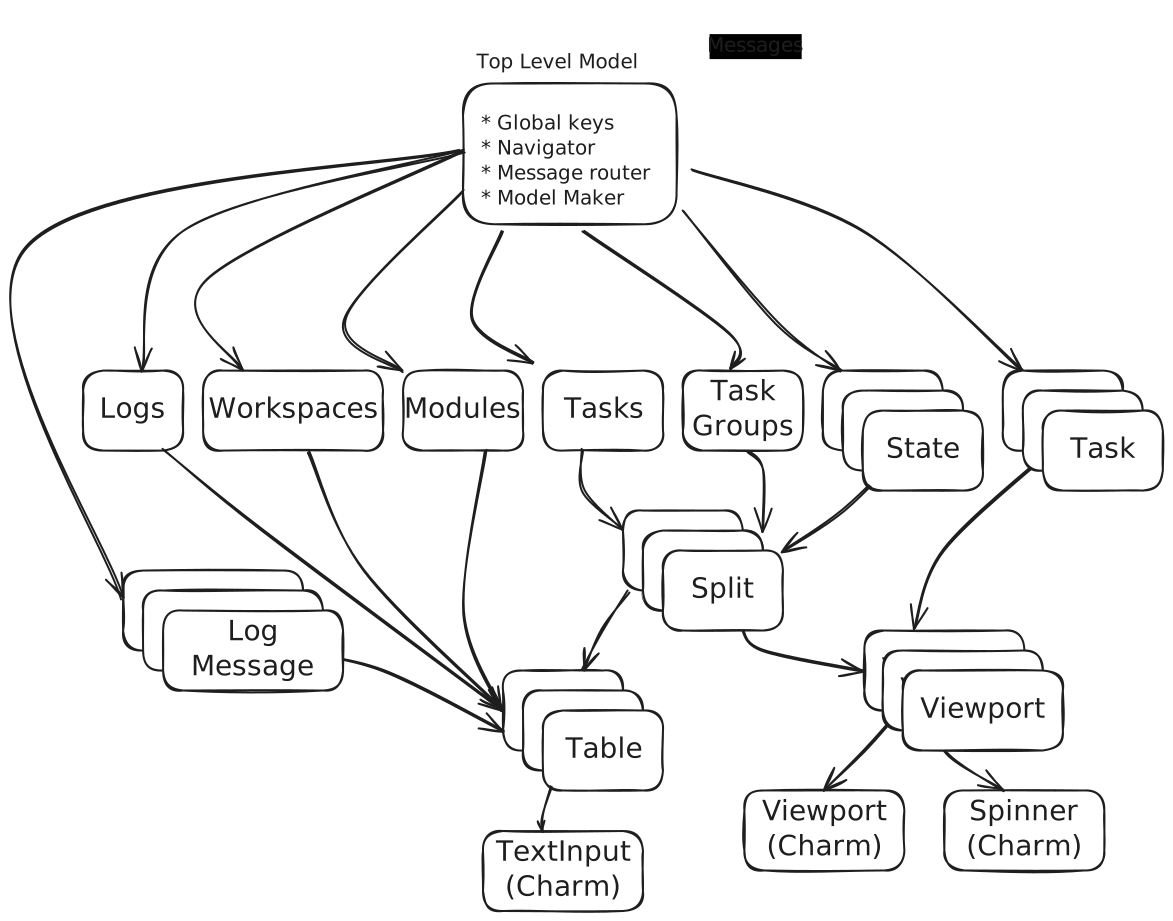
tea.Cmdresults and explicit concurrentSend(msg)calls can arrive in arbitrary order. Use direct updates when safe,tea.Sequencewhen ordering is required, or redesign to avoid ordering dependencies. - Scale with a model tree: Treat the root model as a message router and screen compositor, with child models handling focused interactions and rendering their own views. Route global keys at the root, user actions to the active child, and shared events such as
tea.WindowSizeMsgto all relevant children. - Invest in developer tooling: Dump messages to a file under
DEBUG, use TTY-compatible rebuild workflows, calculate layout space from renderedlipgloss.Height()/Width()values rather than hard-coded dimensions, test full interactions with teatest, and version VHS tapes alongside code and docs.
Images & Media
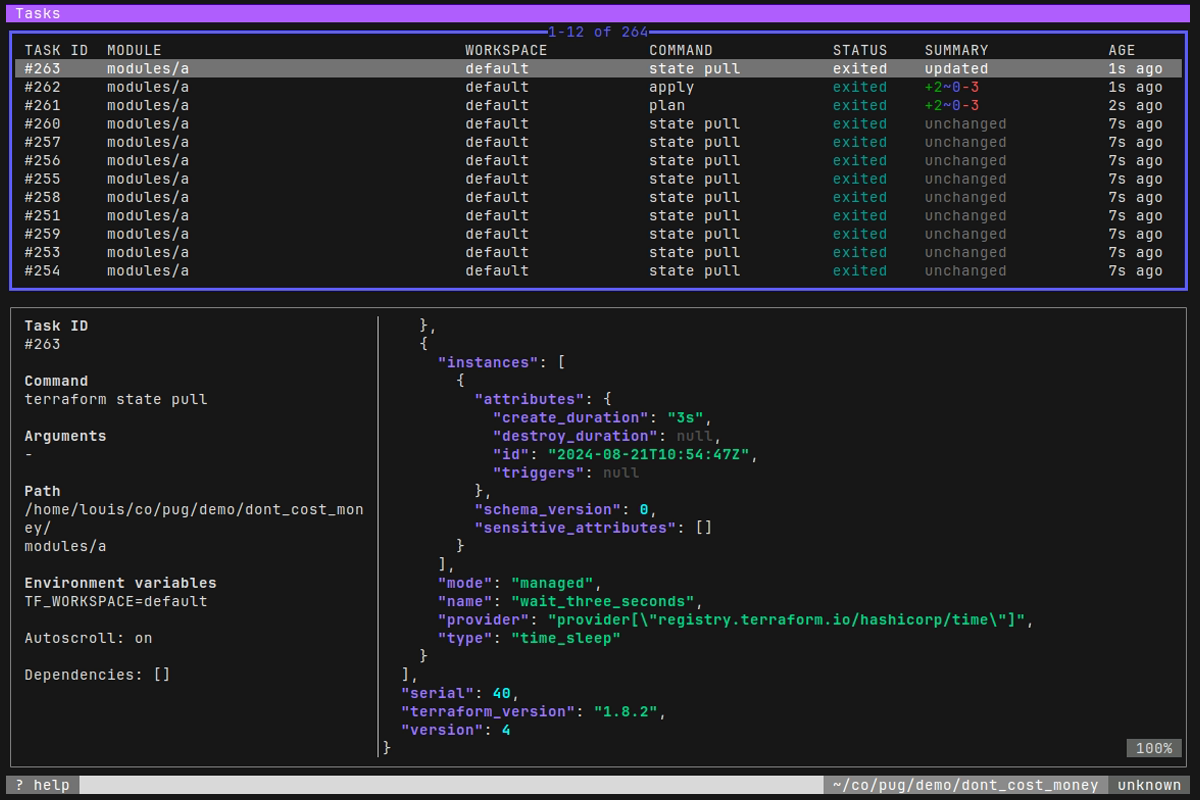
- PUG tasks screenshot — Screenshot of PUG, the author’s full-screen Terraform terminal interface.
- Tree of models in PUG — Diagram showing message routing through PUG’s hierarchy of Bubble Tea models.
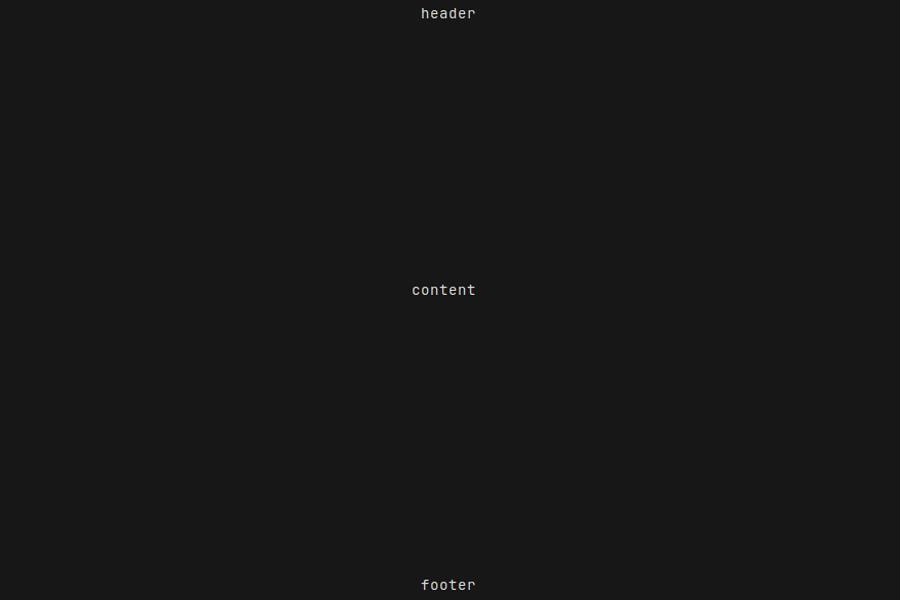
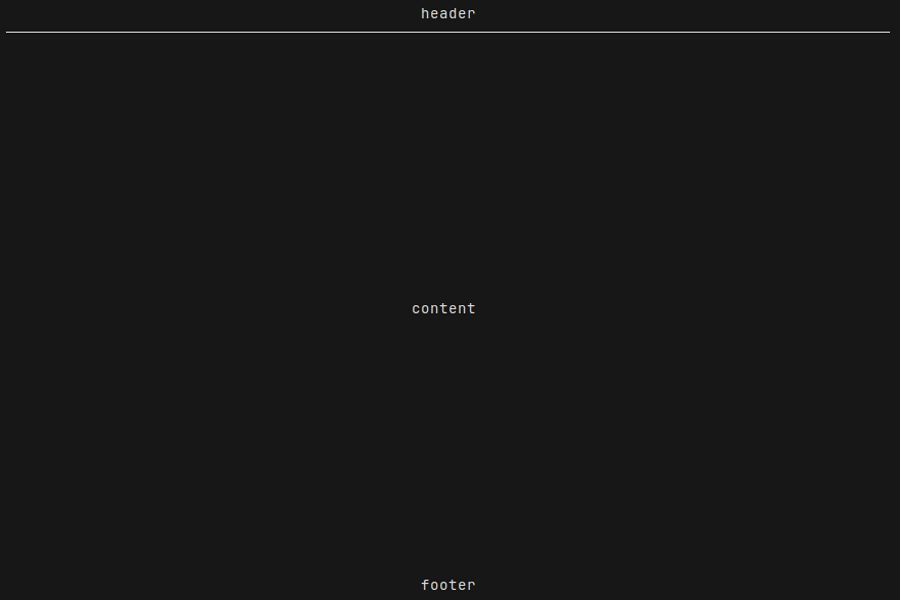
- Working layout — Header, content, and footer layout before a border changes widget height.
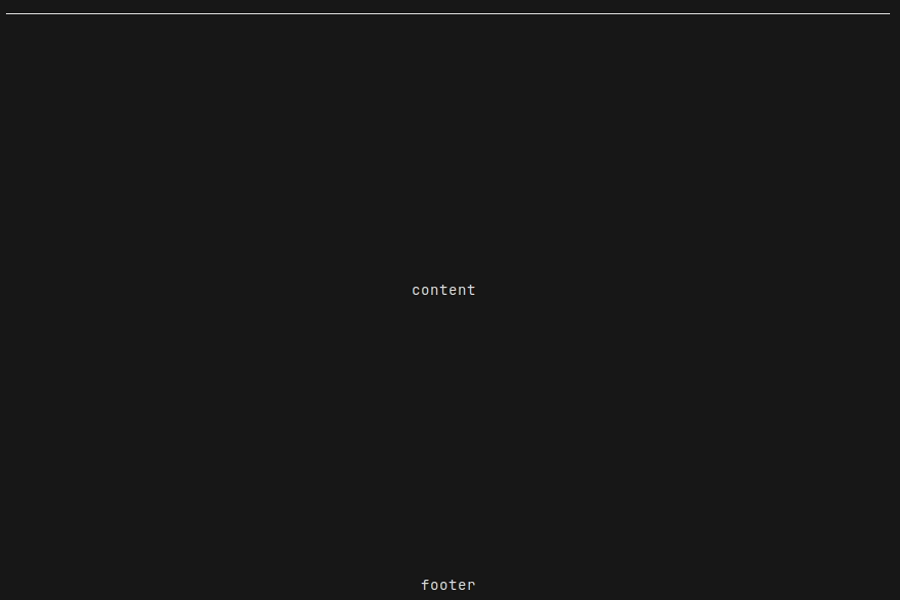
- Broken layout — Layout failure caused by stale hard-coded height arithmetic after adding a header border.
- Fixed layout — Corrected layout using calculated rendered heights.
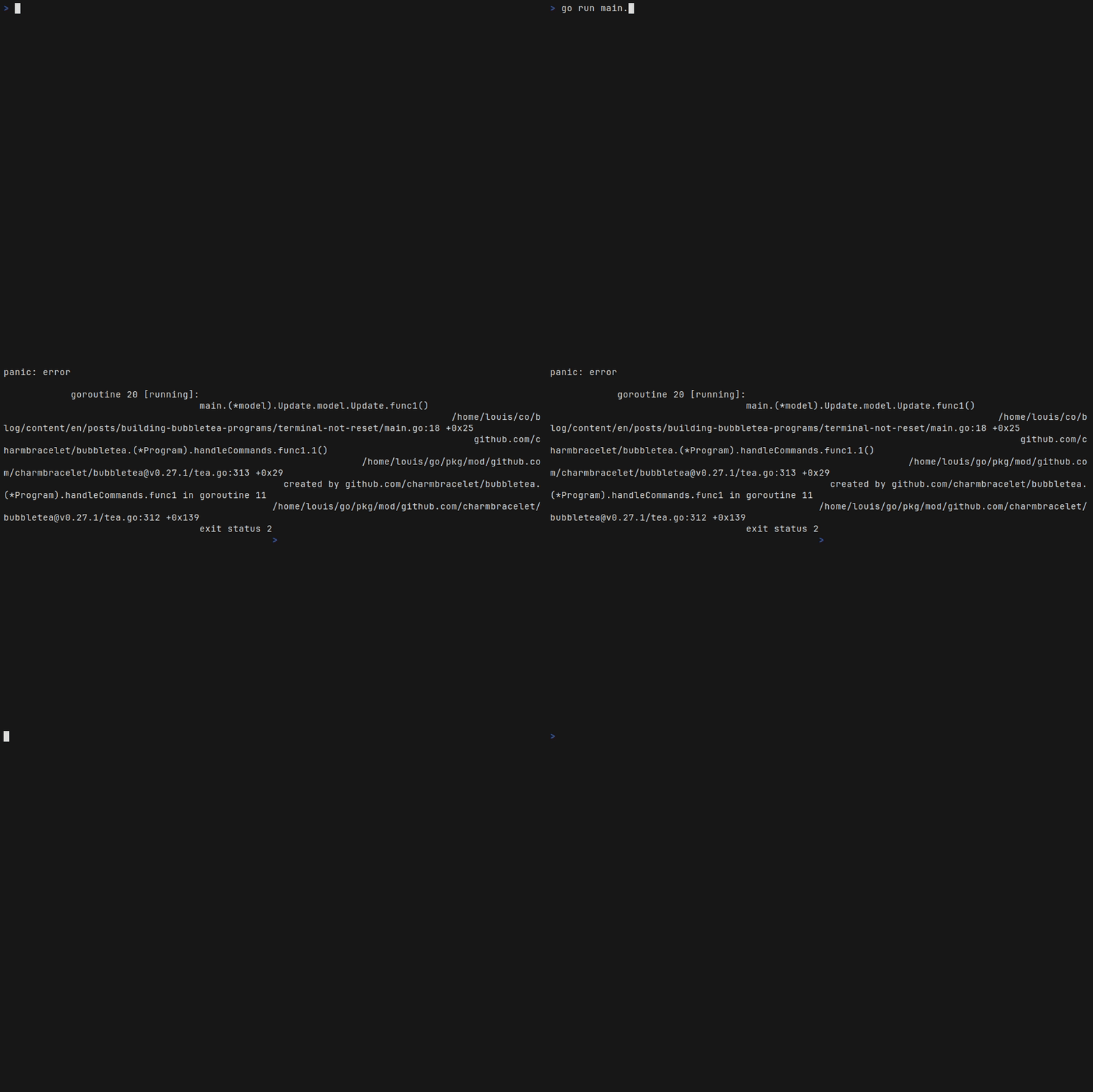
- Unreset terminal following panic — Demonstration of a terminal left in an unusable state after an unrecovered command panic.
- PUG demo — Animated VHS-recorded demonstration of PUG.

Referenced Links
- Bubble Tea — Go framework for building terminal user interfaces.
- PUG — The author’s Bubble Tea-based terminal UI for driving Terraform.
- go-spew — Pretty-printer recommended for dumping incoming Bubble Tea messages during debugging.
- Bubble Tea
Sequencedocumentation — API for executing Bubble Tea commands sequentially. - Pointer receiver discussion — Community discussion on value versus pointer receivers in Bubble Tea models.
- Bubble Tea terminal-reset issue — Open issue covering terminal recovery when a command panics.
- teatest — Experimental Charm library for end-to-end Bubble Tea testing.
- Charm’s teatest announcement — Guide to interaction tests and golden-file snapshots with teatest.
- VHS — Declarative tool for recording terminal GIFs and screenshots.