How to hide cookie banners when taking a screenshot with Puppeteer
Clean Puppeteer screenshots by accepting, hiding, or blocking cookie-consent overlays. The most practical self-managed approach combines CMP auto-consent with EasyList-style blocking rules, while site-specific logic remains necessary for edge cases.
How to hide cookie banners when taking a screenshot with Puppeteer
Author: Dmytro Krasun | Published: Unknown | Generated: 2025-05-15 | Domain: screenshotone.com
Tags: ‘#puppeteer’ ‘#web-scraping’ ‘#browser-automation’ ‘#cookie-consent’ ‘#screenshots’
TLDR
Cookie banners can spoil automated screenshots and may affect page behavior if simply hidden rather than accepted. The article evaluates per-site selectors, generic button-text matching, filter-list blocking, CMP auto-consent, browser extensions, and AI-assisted removal. Its recommended DIY strategy combines DuckDuckGo AutoConsent with Fanboy Cookie Monster/EasyList-style rules, supplemented by custom site handling for uncovered cases.
Key Takeaways
- Site-specific handling is most reliable: For a known site such as Stack Overflow, Puppeteer can either inject CSS to hide
.js-consent-banneror click.js-accept-cookies; accepting cookies is preferred because some sites may restrict functionality otherwise. - Generic text matching has fragile edge cases: Searching links and buttons for labels such as “Accept,” “Allow all,” or “OK” can work across sites including Cookiebot, Hetzner, London Stock Exchange, and DigitalOcean, but can click unintended controls, require post-click waits for animations, and needs localization support such as German
Akzeptieren. - Blocking lists remove some overlays:
@cliqz/adblocker-puppeteercan load Fanboy’s Cookie Monster list and block many cookie banners, but it does not reliably handle CMP-driven dialogs such as Cookiebot. - AutoConsent targets major CMPs:
@duckduckgo/autoconsentattaches to a Puppeteer page after load, detects supported consent-management platforms, and can automatically opt in or opt out. - Use layered defenses: Combining rule-list blocking with AutoConsent provides the strongest non-extension approach, though it is not bulletproof and still requires customizations for unsupported sites.
Images & Media
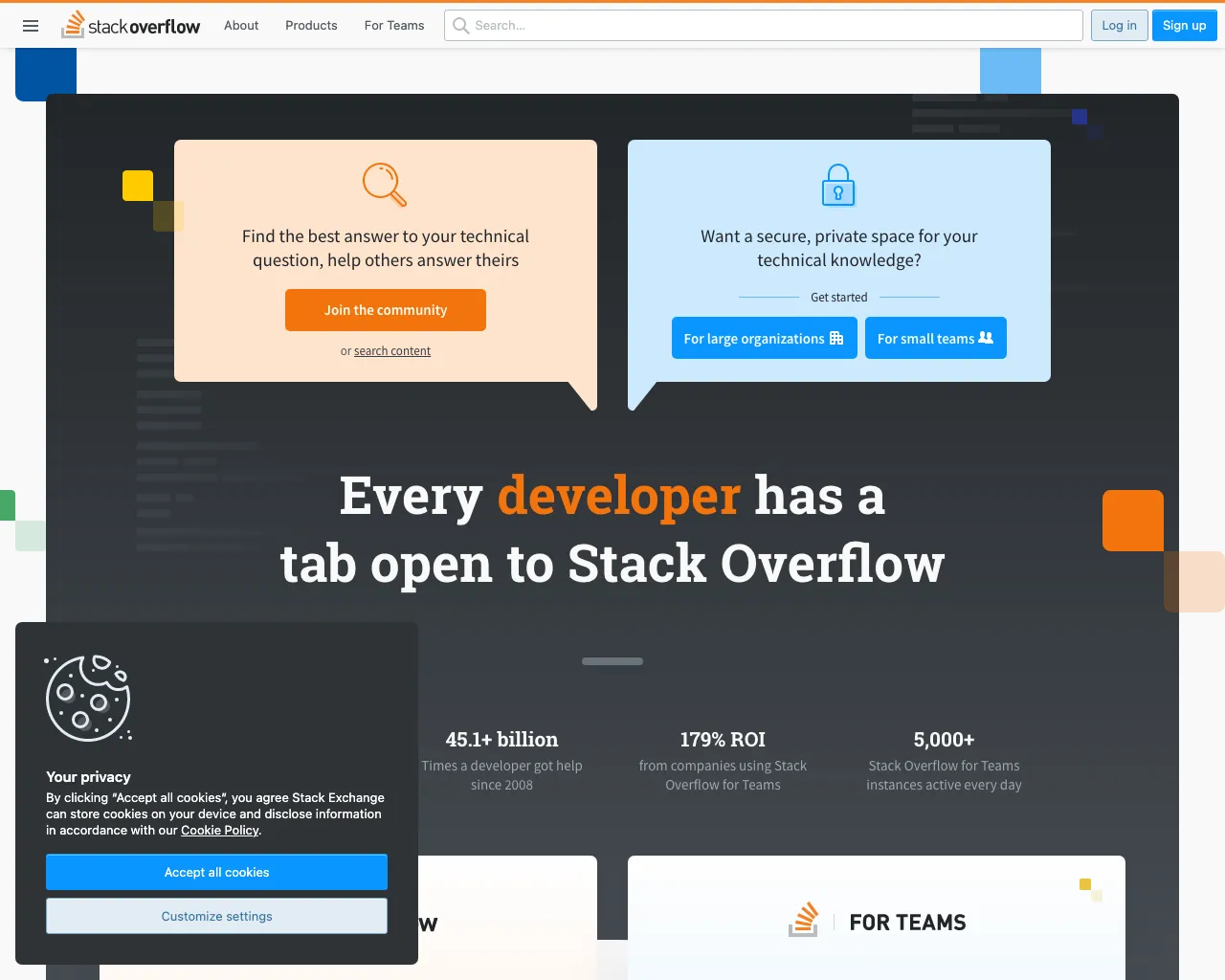
- Stack Overflow with a cookie consent banner — Demonstrates a cookie banner obscuring the lower-left portion of a screenshot.
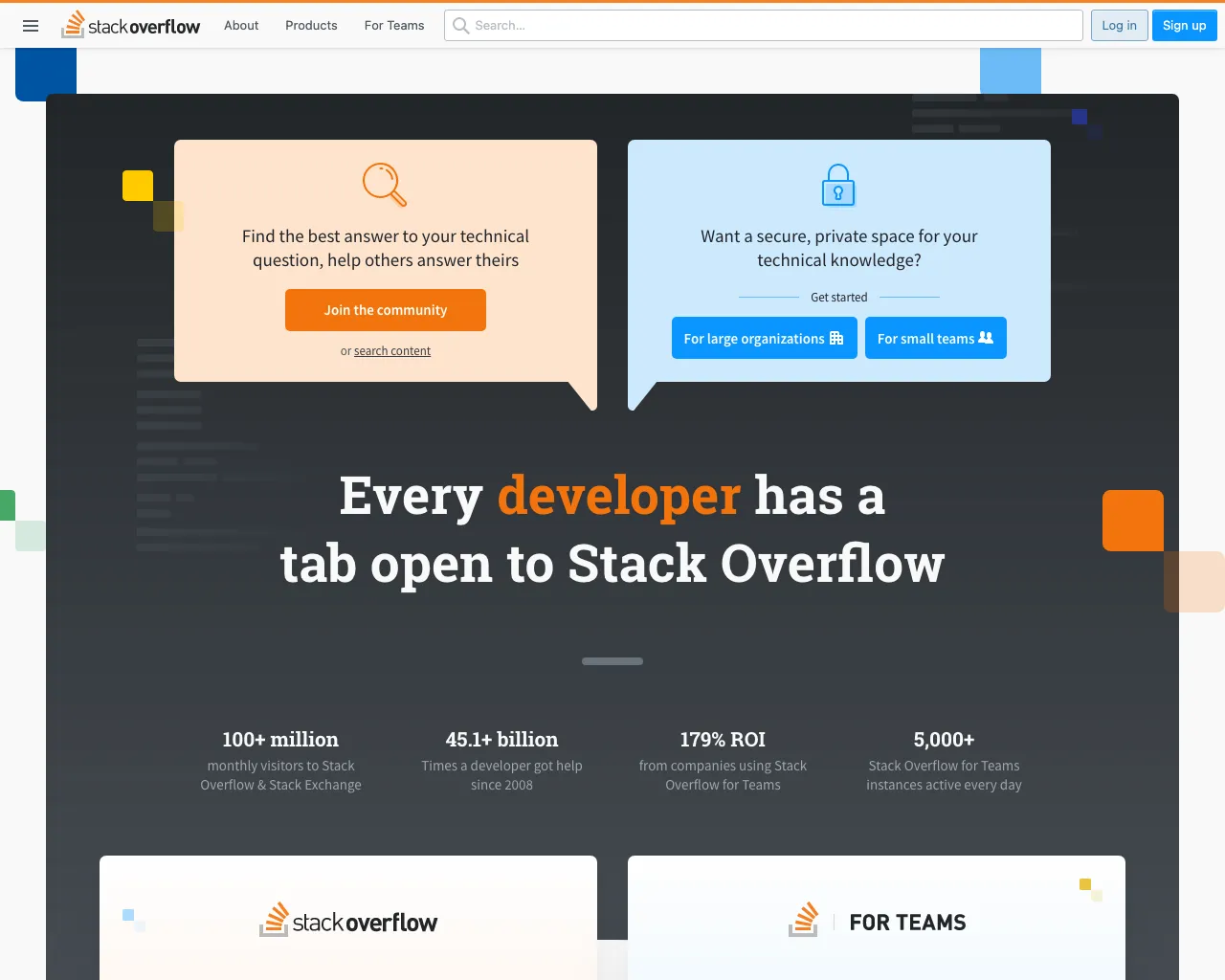
- Stack Overflow without the cookie banner — Shows the result after hiding or accepting the consent prompt.
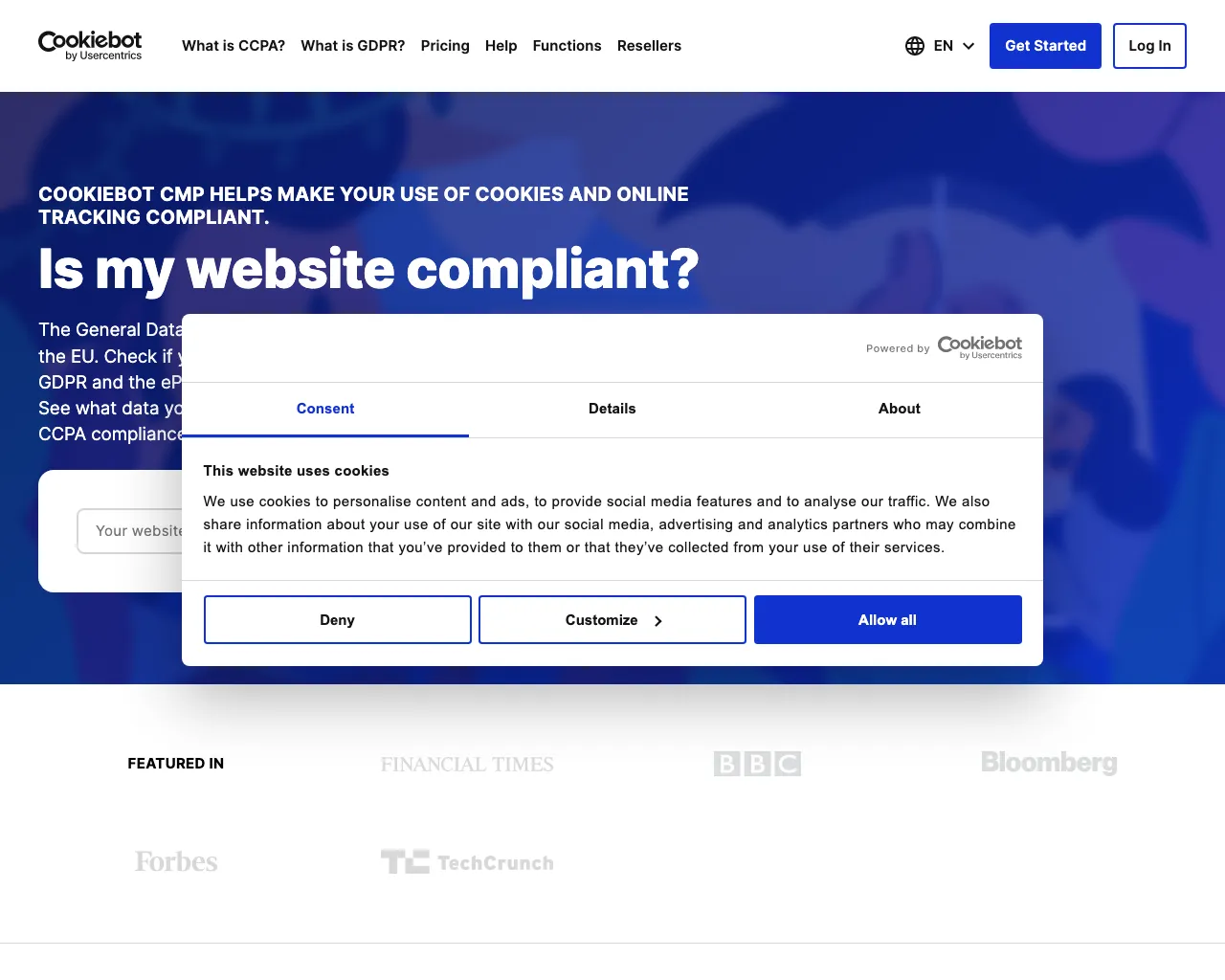
- Cookiebot with a cookie banner — Example of a CMP dialog that generic filter-list blocking may miss.
- Hetzner without a cookie banner — Illustrates why a delay may be required after accepting consent when the overlay closes with an animation.
- London Stock Exchange without the cookie banner — Demonstrates a fallback that scans all links and buttons for acceptance text.


Referenced Links
- Puppeteer AdBlocker library — Enables ad and annoyance-list blocking inside Puppeteer pages.
- Fanboy Cookie Monster list — Filter rules for cookie notices, GDPR overlays, and related annoyances.
- EasyList — Maintains filter lists originally created for ad blocking.
- DuckDuckGo AutoConsent — Puppeteer-compatible library for automatically handling supported CMP dialogs.
- cross-fetch — Required by the AdBlocker example to download blocking lists.
- ScreenshotOne block_cookie_banners option — Managed API option for blocking cookie banners without maintaining custom Puppeteer logic.