iPhone dumbphone
A developer used Apple Configurator to turn an iPhone into a tightly controlled utility device, cutting daily screen time from roughly four hours to two. The setup preserves essential apps while blocking the App Store and all non-whitelisted websites.
iPhone dumbphone
Author: Stepan Parunashvili | Published: Unknown | Generated: 2025-09-09 | Domain: stopa.io
Tags: ‘#iphone’ ‘#digital-wellbeing’ ‘#apple-configurator’ ‘#productivity’ ‘#screen-time’
TLDR
Stepan Parunashvili converted his iPhone into a personalized dumbphone using Apple Configurator’s supervised-device restrictions. By installing only essential apps before disabling app installation and whitelisting only necessary websites, he reduced screen time from about four hours to two hours daily over two months. The approach deliberately adds friction to changing restrictions while retaining useful iPhone capabilities such as maps, messaging, authentication, music, and AI assistants.
Key Takeaways
- Screen-time reduction: The author reports saving roughly two hours per day, dropping from about four hours of phone use to two; remaining use is largely productive apps, communication, and long family calls.
- Configurator creates meaningful friction: Changing the configuration requires physically connecting the iPhone to a Mac and editing a profile, making impulsive re-enabling of distracting apps substantially harder than Screen Time limits.
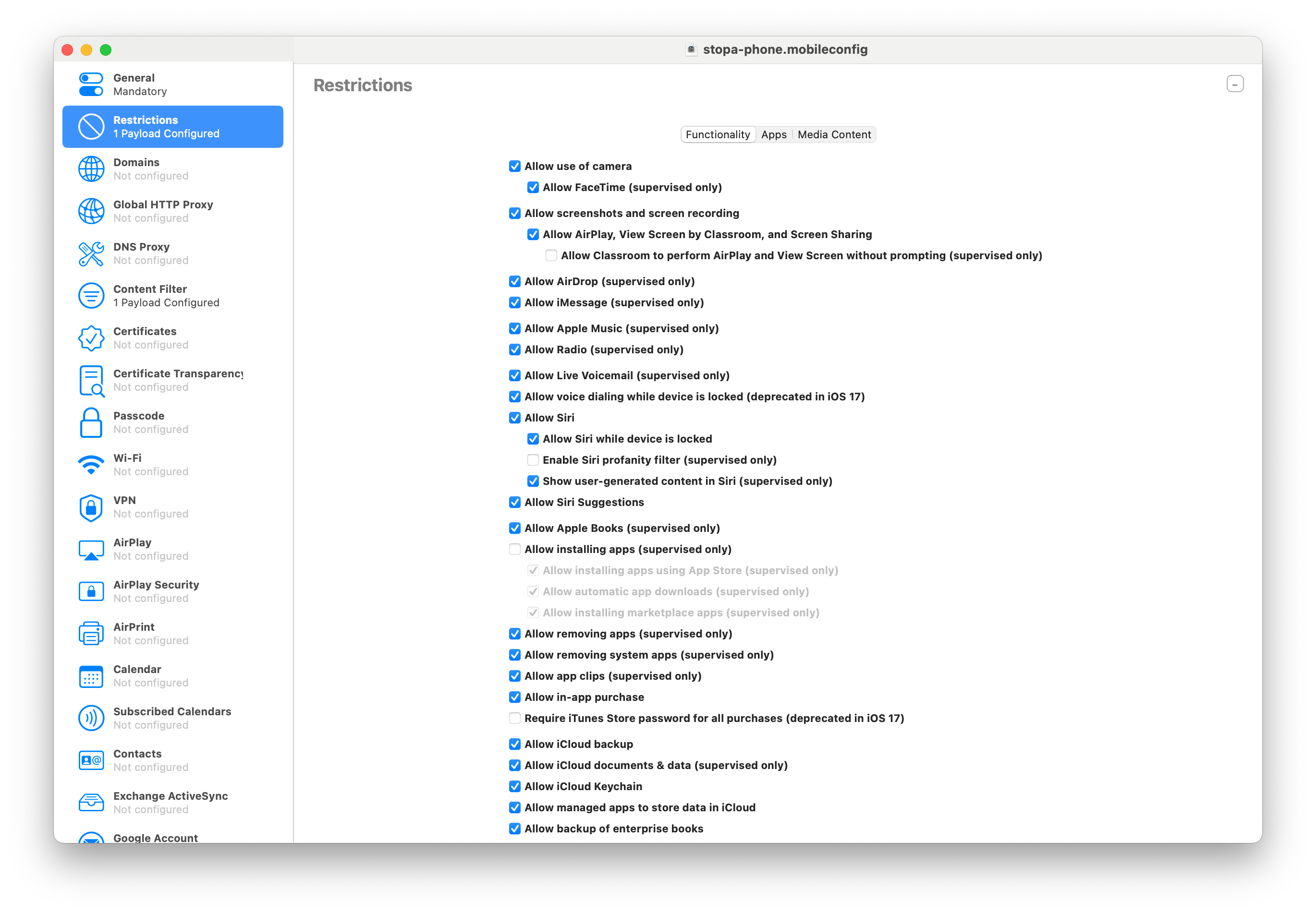
- The App Store is the central lock: Disabling Allow Installing Apps removes the App Store, preventing spur-of-the-moment downloads of social media or other distracting apps.
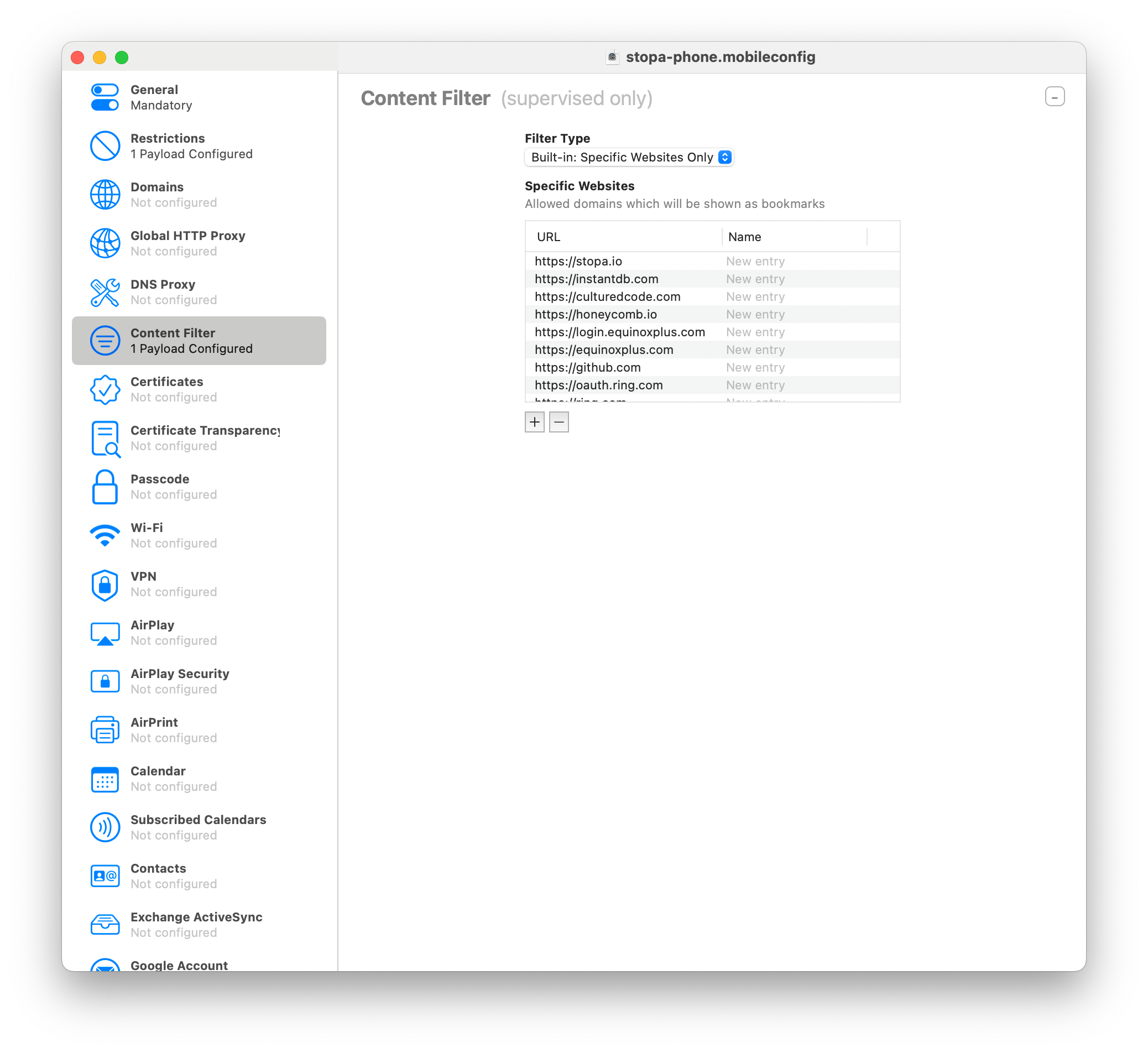
- Website access is allowlisted: A Content Filter configured as “Specific Websites only” restricts Safari to explicitly approved domains, such as Google authentication, Dropbox, and InstantDB.
- Setup has real tradeoffs: The process requires a factory reset, avoiding iCloud backup restoration, an initial two-hour setup, and weeks of iterative adjustments for forgotten or “semi-important” apps such as email.
Images & Media
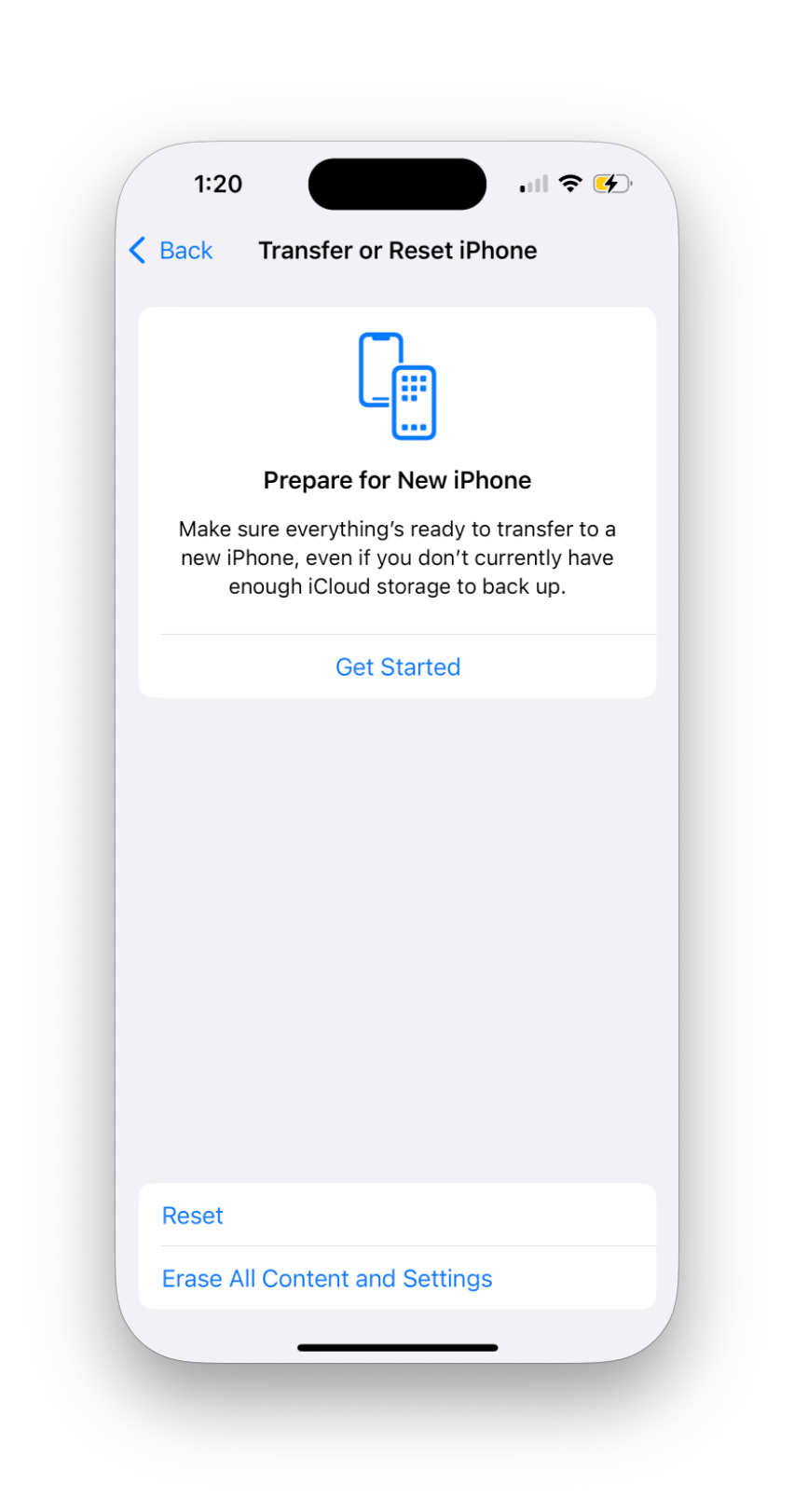
- Factory-reset iPhone screen — Shows the iPhone reset step required before supervised configuration.
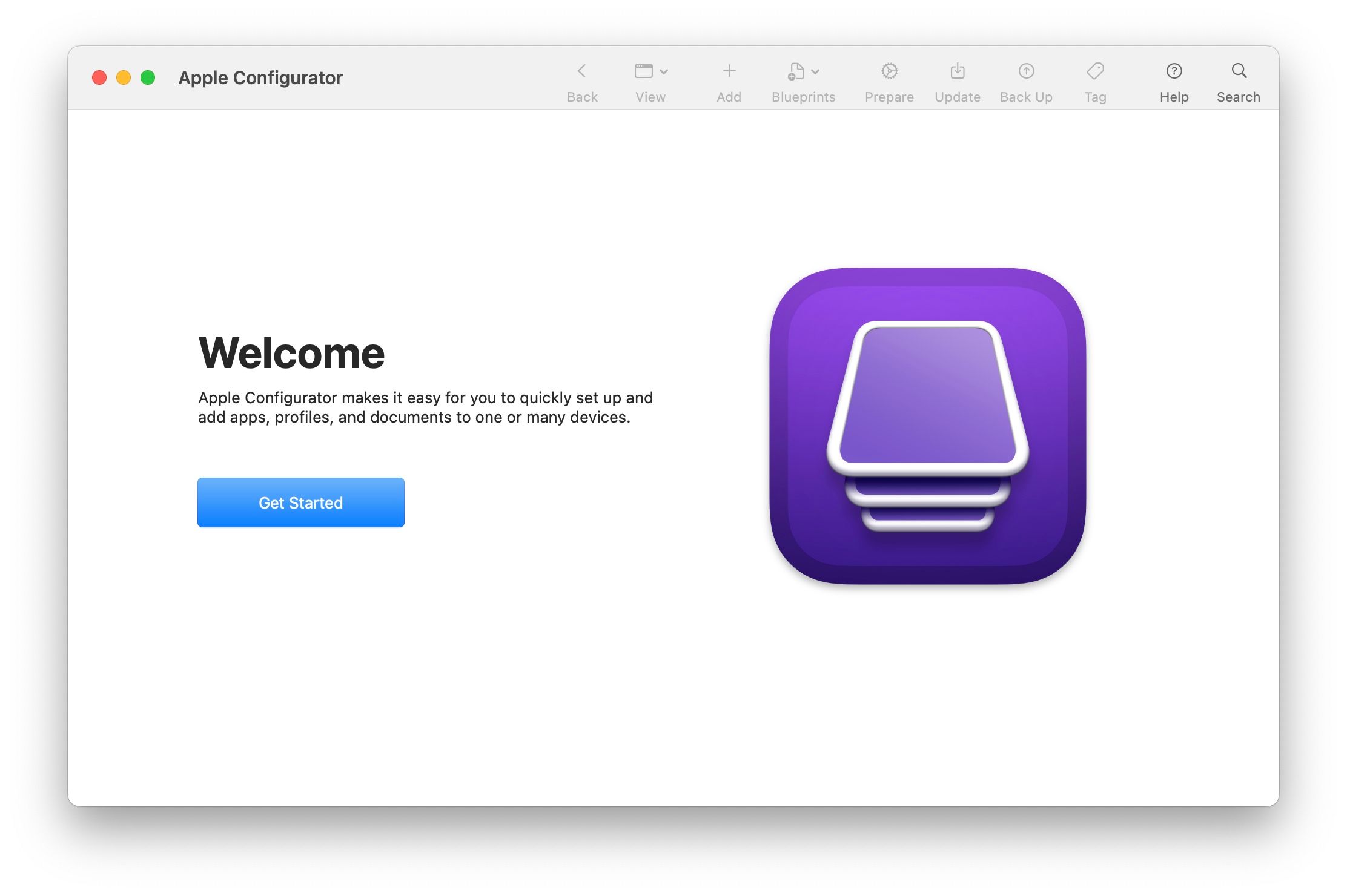
- Apple Configurator welcome screen — Illustrates launching Apple Configurator and starting device preparation.
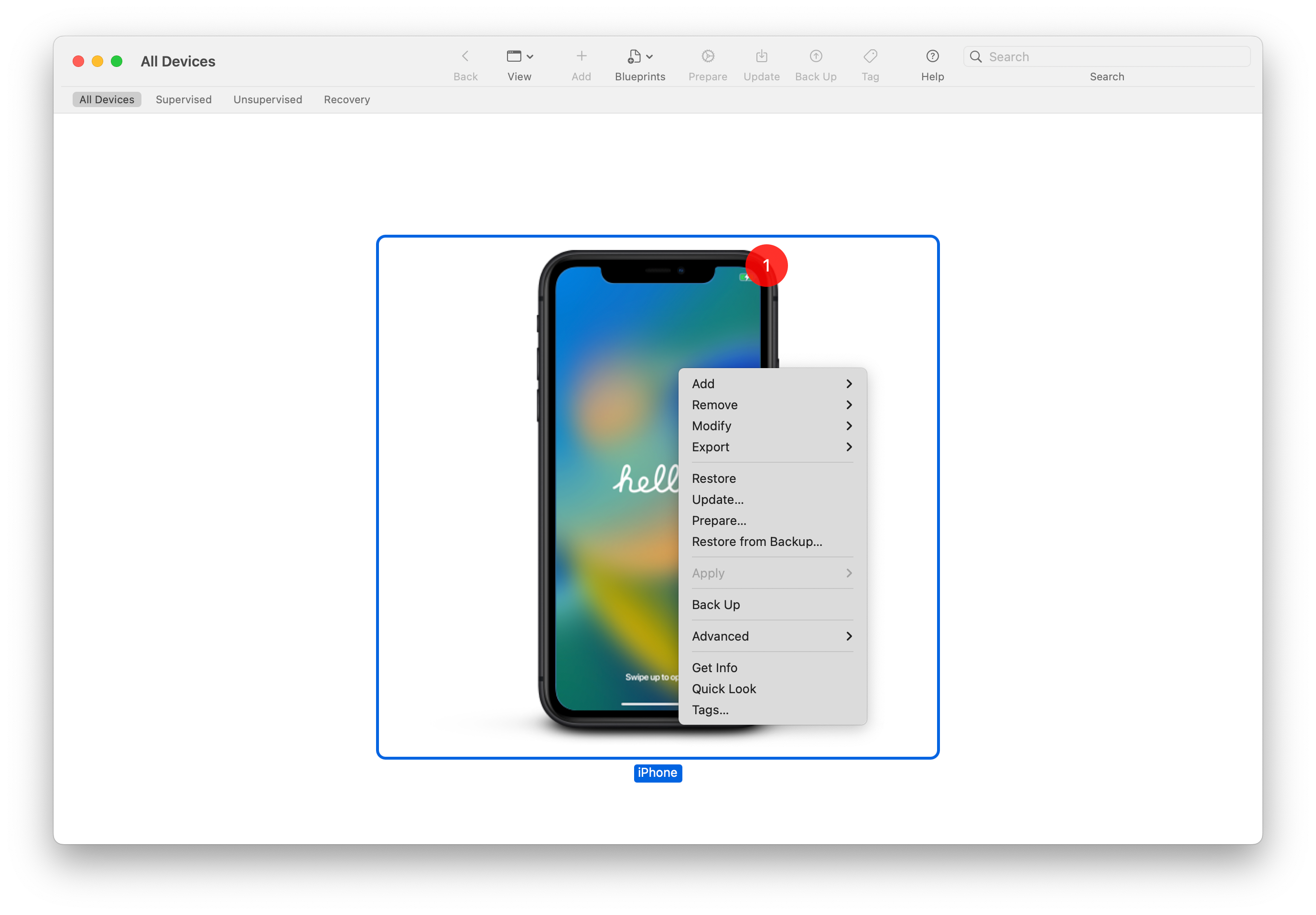
- Prepare device action — Shows selecting the connected iPhone and choosing “Prepare.”
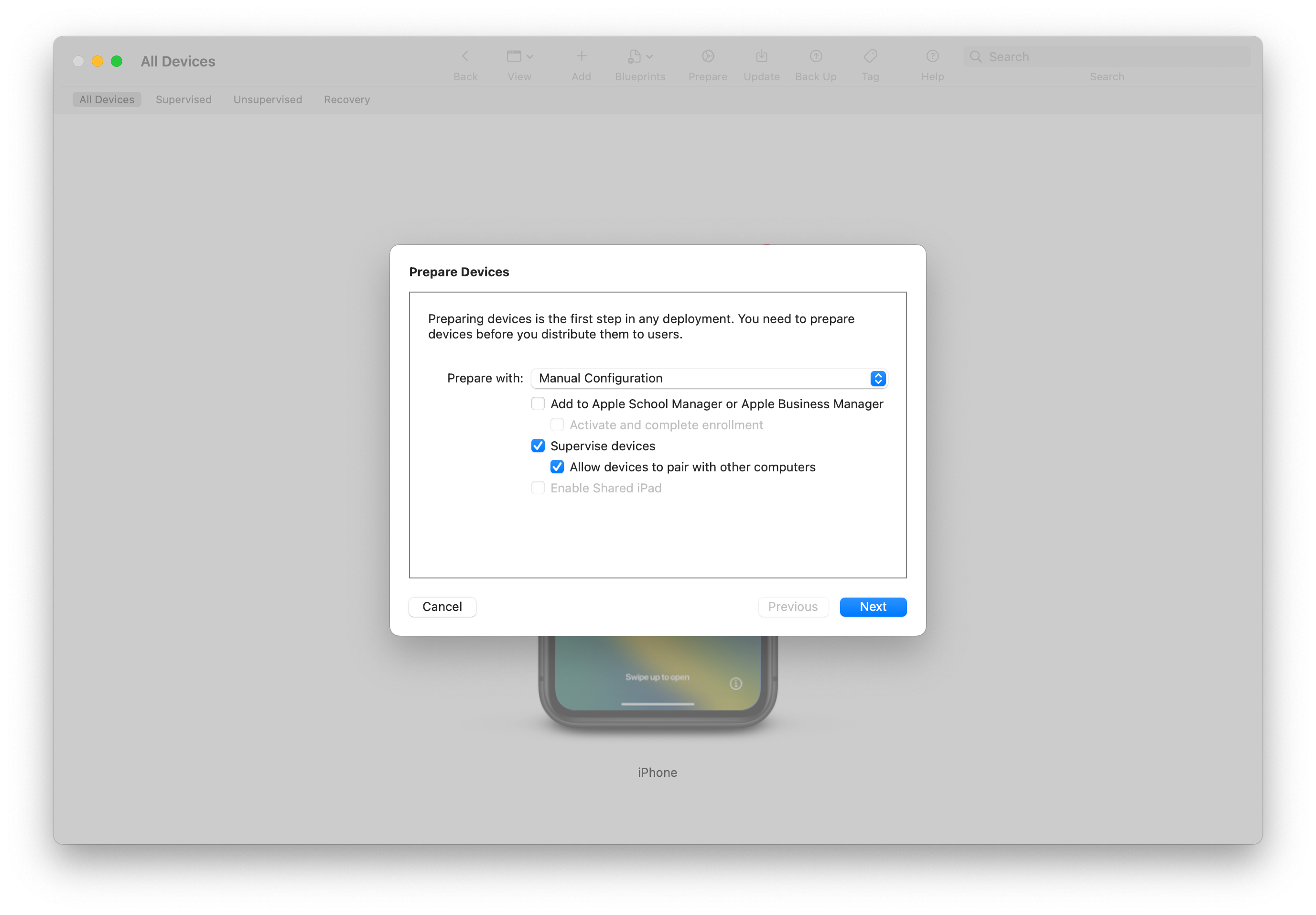
- Manual Configuration and supervision — Shows the required manual configuration flow with “Supervise devices” enabled.
- Content Filter configuration — Shows selecting a “Specific Websites only” allowlist.
- Restrictions configuration — Shows disabling “Allow Installing Apps” to remove App Store access.
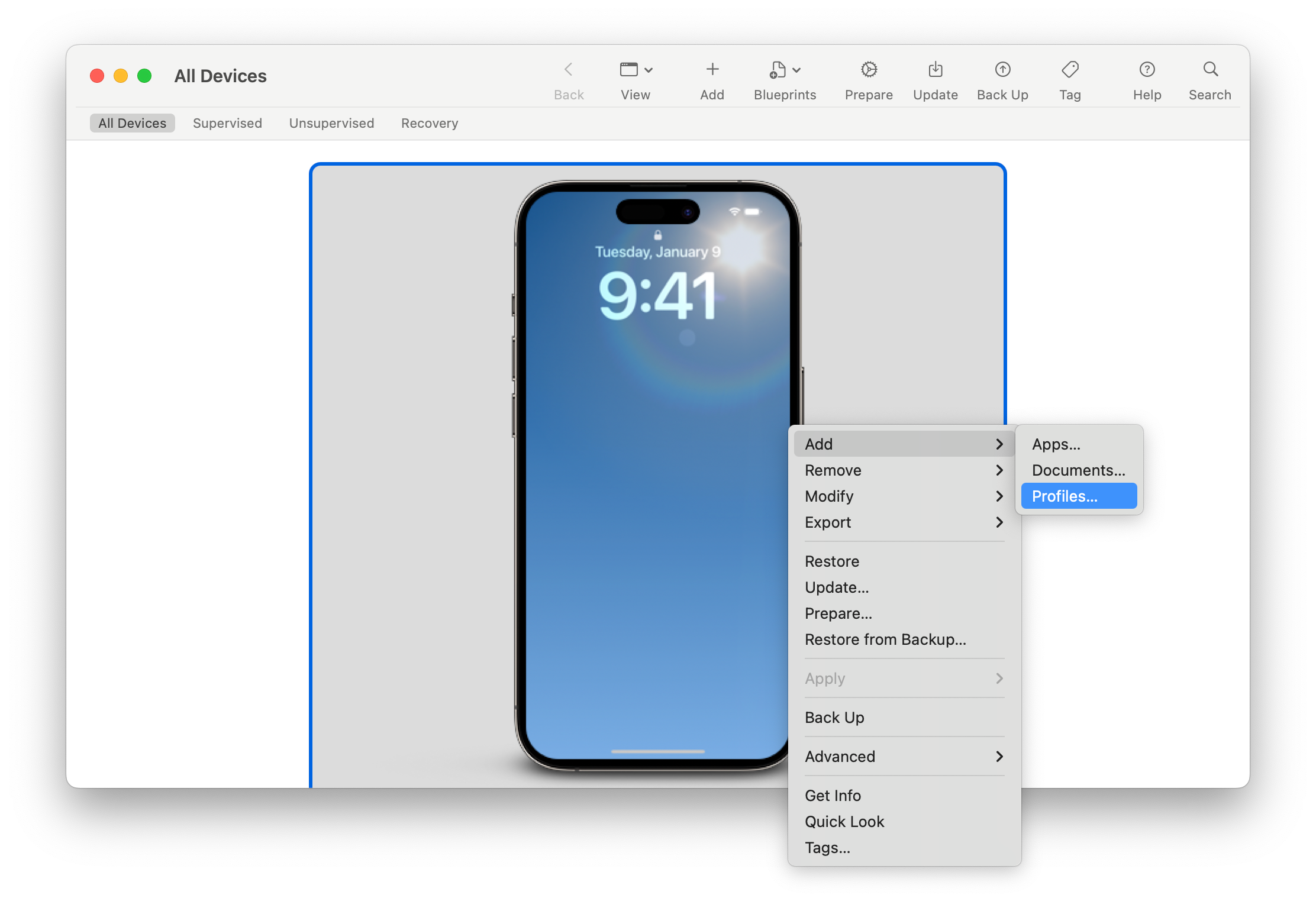
- Add profile to iPhone — Shows applying the restriction profile to the supervised device.
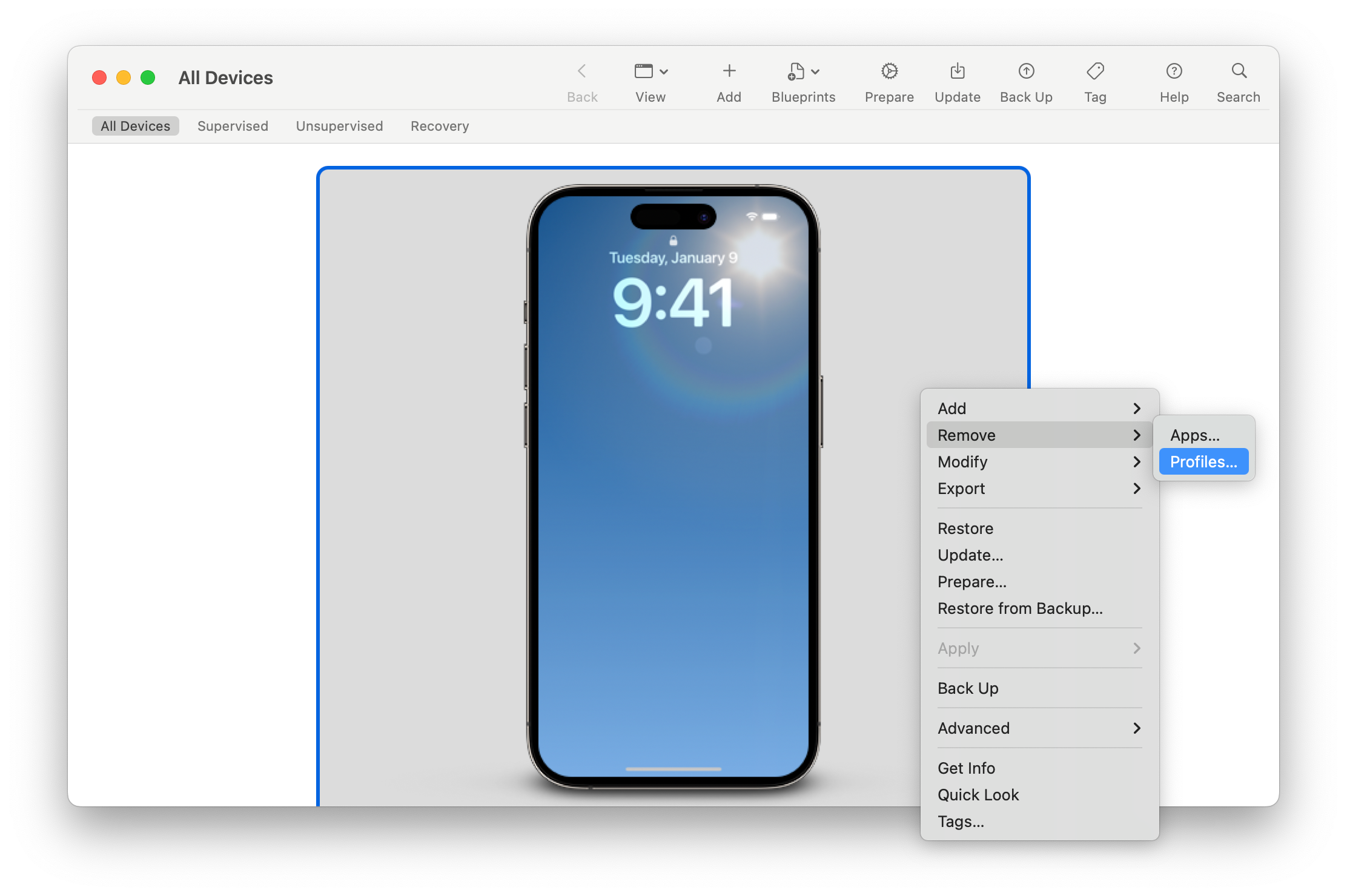
- Remove profile switch — Shows how to temporarily remove restrictions when new apps are needed.
Referenced Links
- Apple Configurator — Apple documentation for the Mac tool used to supervise and restrict the iPhone.
- Apple Configurator on the App Store — Download page for Apple Configurator for macOS.
- Stepan Parunashvili — Author’s personal website.
- Instant — The author’s startup and an example of a website added to the allowlist.
- Twitter / X — Author’s social profile.