SwiftCrossUI
SwiftCrossUI is a framework for building native user interfaces in Swift across macOS, Linux, and Windows. It emphasizes a streamlined developer experience while targeting platform-native UI backends.
SwiftCrossUI
Author: moreSwift | Published: Unknown | Generated: 2025-07-15 | Domain: swiftcrossui.dev
Tags: ‘#swift’ ‘#crossplatform’ ‘#nativeui’ ‘#desktopdevelopment’ ‘#opensource’
TLDR
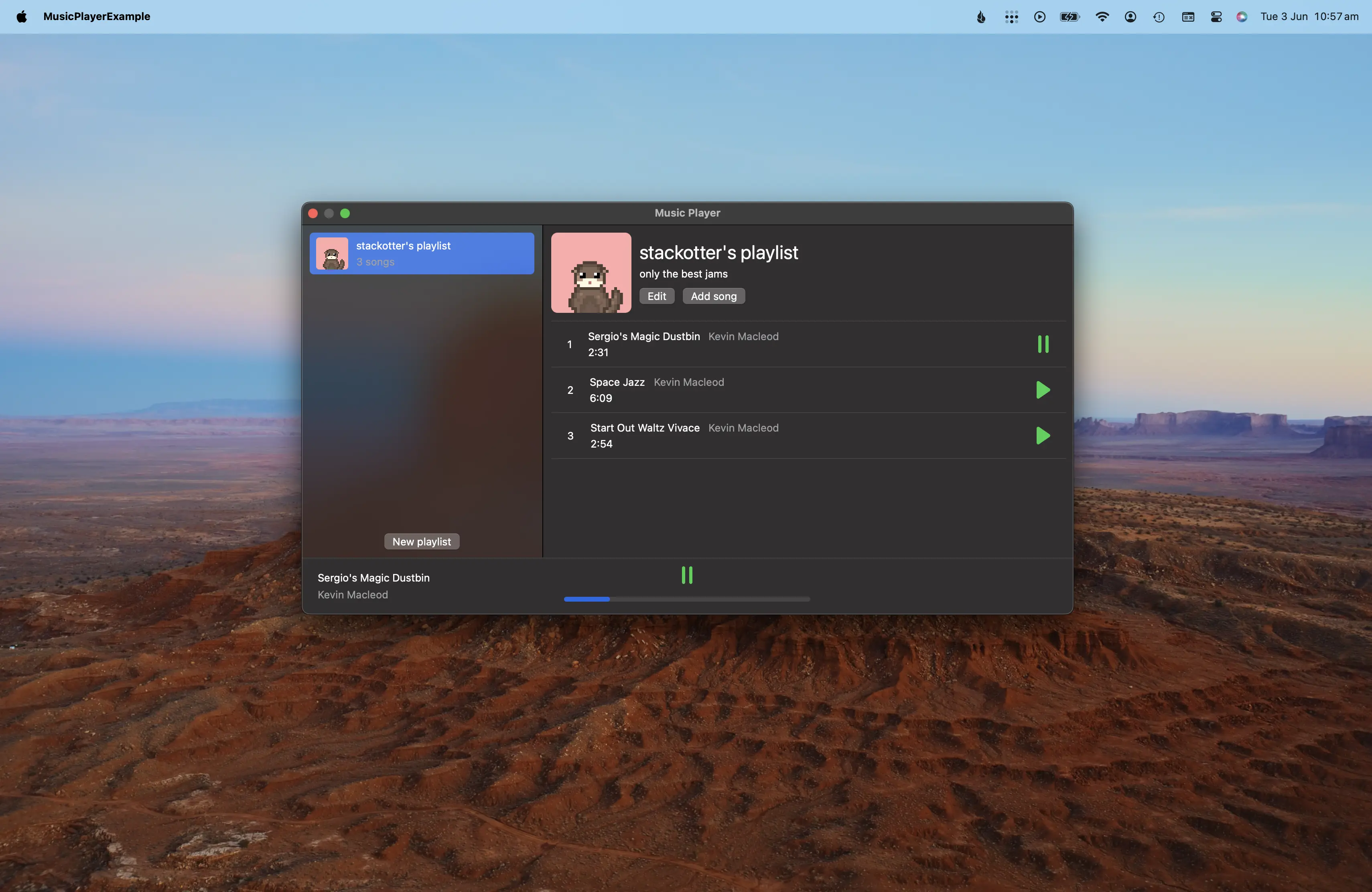
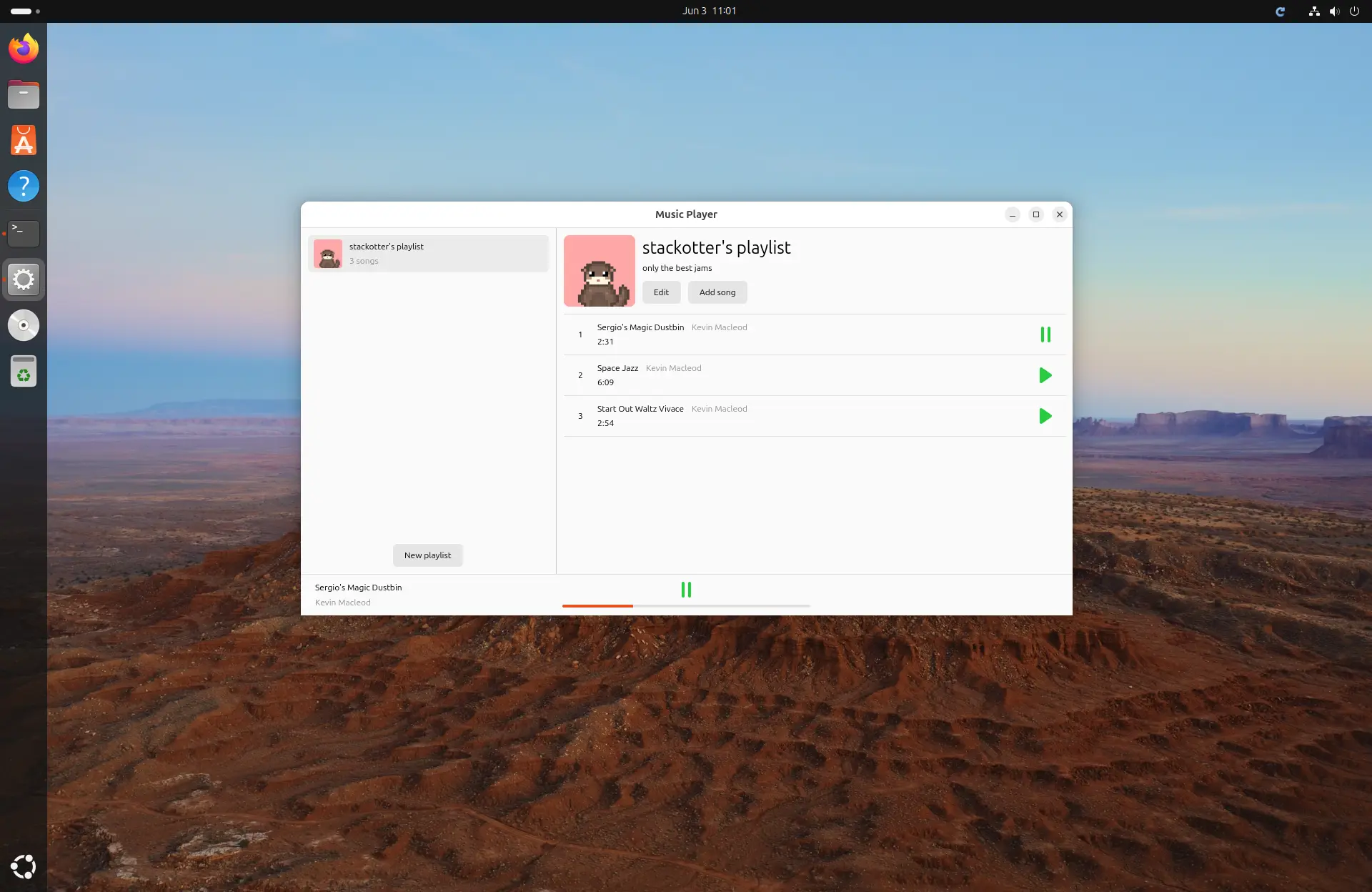
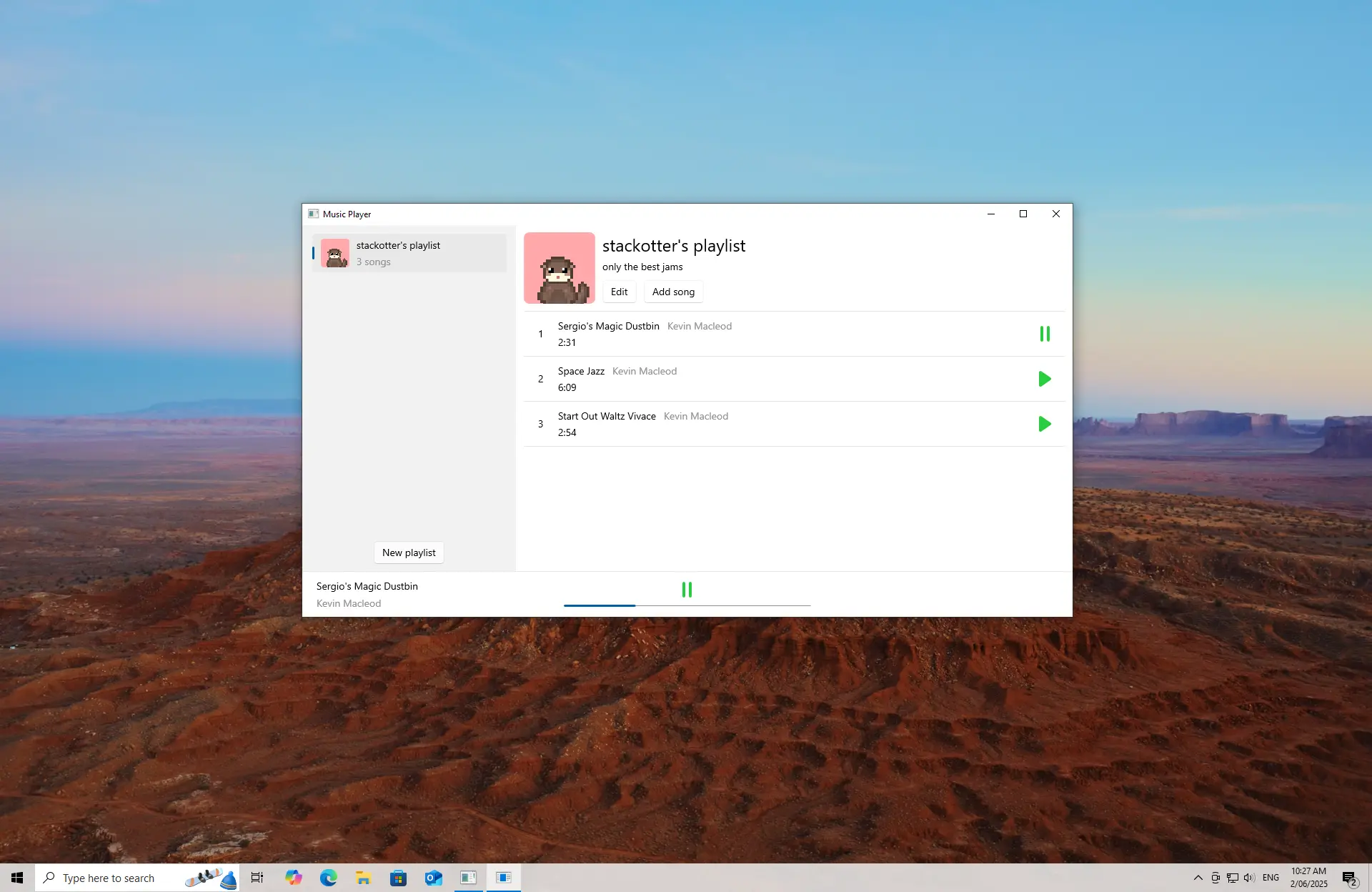
SwiftCrossUI is a Swift framework for creating native desktop applications without requiring separate UI implementations per platform. It supports macOS, Linux, and Windows, demonstrated through the same music-player application rendered using AppKit, GTK, and WinUI backends.
Key Takeaways
- Cross-platform native UI: SwiftCrossUI targets macOS, Linux, and Windows with platform-specific native backends.
- Swift-first development: The framework aims to let developers build desktop interfaces in Swift with less platform-specific overhead.
- Backend demonstrations: A music-player example is shown running through AppKit on macOS, GTK on Linux, and WinUI on Windows.
- Project resources: Documentation, a quick-start tutorial, source code, Discord community, and sponsorship options are available.
Images & Media
- Music player running on macOS — SwiftCrossUI music-player interface rendered using the AppKit backend.
- Music player running on Linux — The same SwiftCrossUI music-player application rendered using GTK.
- Music player running on Windows — The music-player example rendered using the WinUI backend.
Referenced Links
- SwiftCrossUI Documentation — Official framework documentation.
- Quick Start Tutorial — Getting-started guide for SwiftCrossUI.
- SwiftCrossUI on GitHub — Source repository for the project.
- moreSwift Discord — Community discussion channel.
- Sponsor moreSwift — OpenCollective sponsorship page.