How to Train an AI Image Model on Yourself
Cory Zue shows how to fine-tune a Flux image model on 10–15 personal photos using LoRA and Replicate in under an hour. The workflow costs roughly $2.50 per model to train and about $0.03 per generated image.
How to Train an AI Image Model on Yourself
Author: Cory Zue | Published: 2025-01-31 | Generated: 2025-01-31 | Domain: coryzue.com
Tags: ‘#ai’ ‘#image-generation’ ‘#lora’ ‘#flux’ ‘#replicate’ ‘#huggingface’
TLDR
Training a personal image-generation model is now accessible without local GPU hardware or deep ML expertise: use Flux as the base model, train a LoRA on a small, varied photo set through Replicate, and store the weights in Hugging Face. A unique trigger word ties prompts to the trained subject, while added demographic descriptors can improve consistency. Results are imperfect—especially with multiple people—but are good enough for casual experimentation at low cost.
Key Takeaways
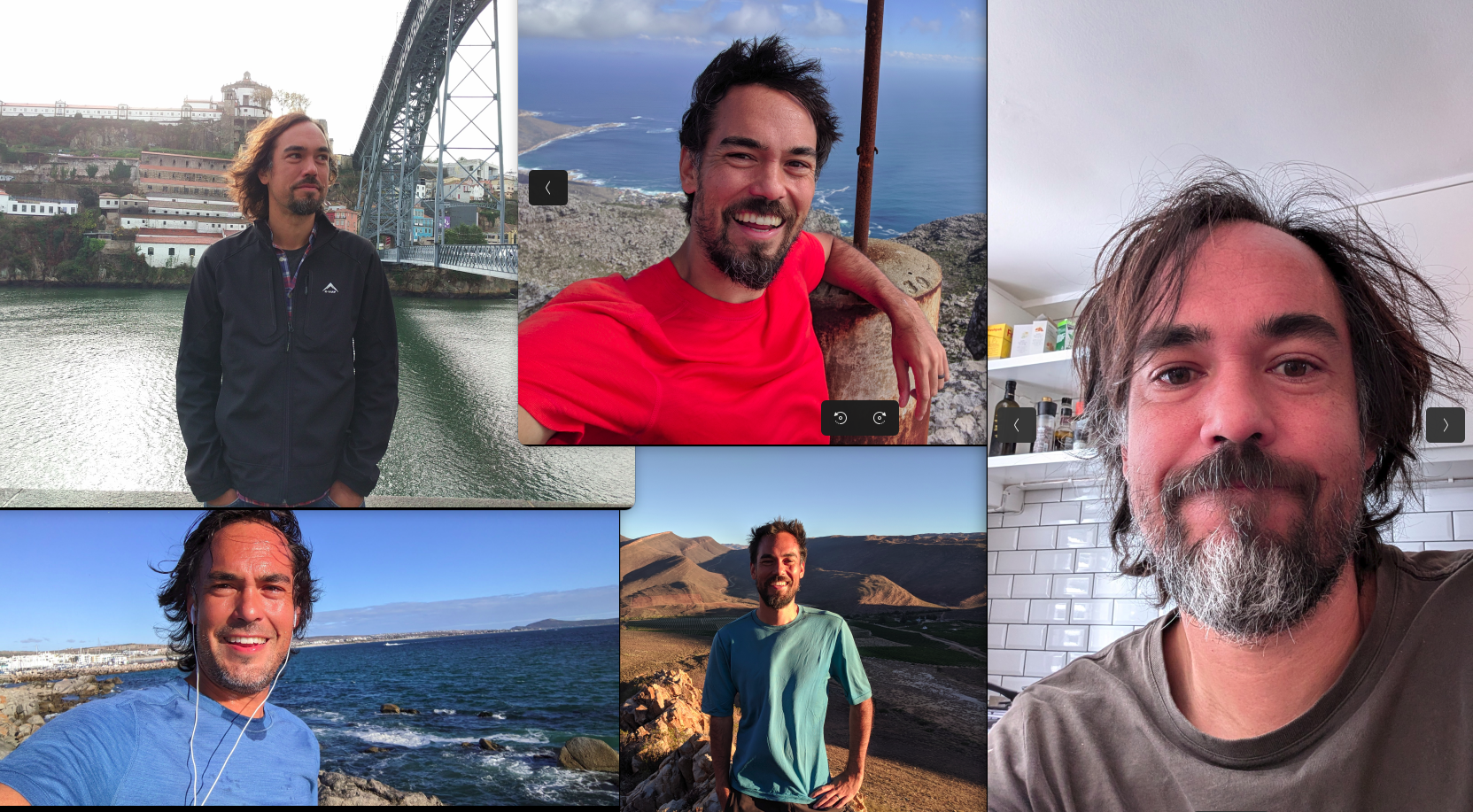
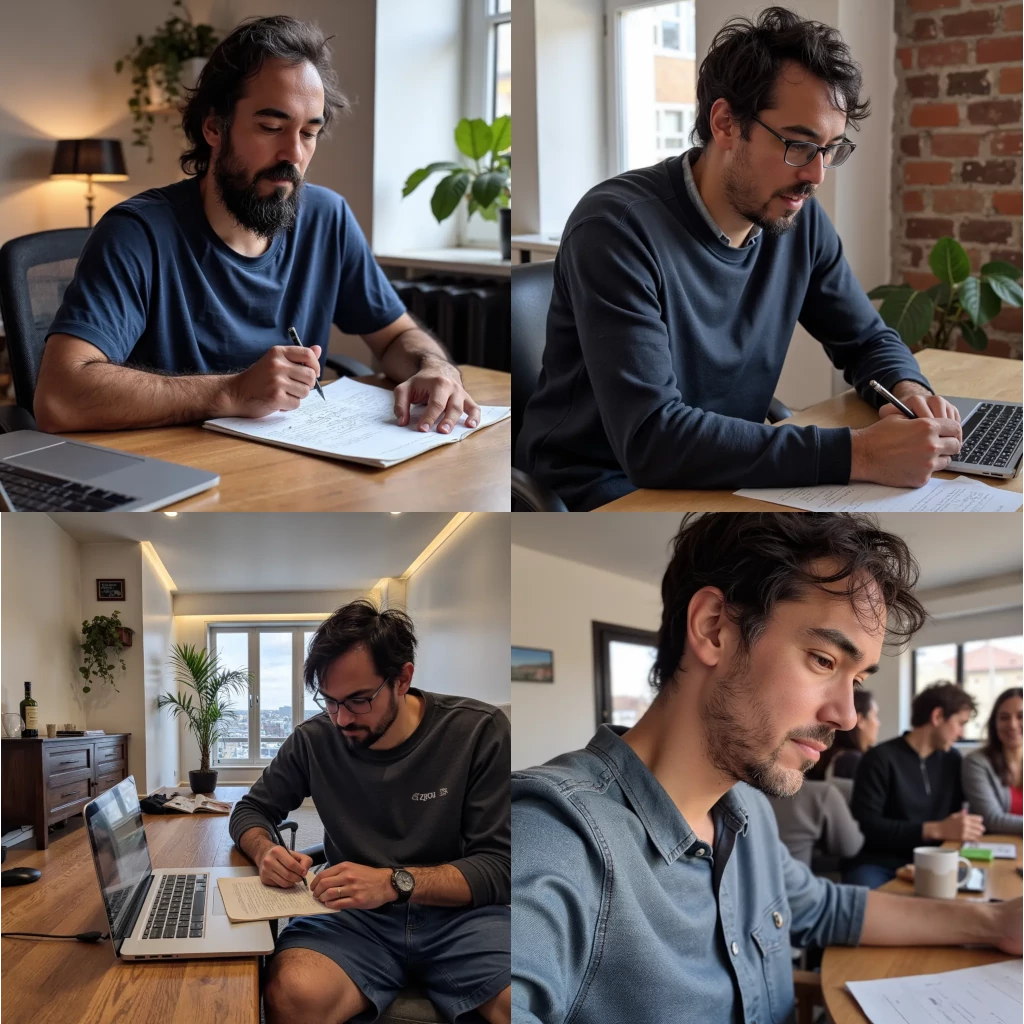
- Minimal training data and setup: A set of 10–15 photos featuring varied angles, expressions, lighting, scenes, and hairstyles is sufficient; current tooling can auto-caption images, so manual labels are unnecessary.
- Flux + LoRA workflow: The recommended stack uses Flux as the base model and LoRA (Low-Rank Adaptation), which trains a small adapter associated with an unusual trigger word such as
czuerather than fine-tuning the entire model. - Hosted GPU training: Replicate’s
ostris/flux-dev-lora-trainerhandles the training process in roughly 20 minutes. Key inputs are the photo ZIP, trigger word, Hugging Face repository/token, and optional caption prefix. - Model storage and inference: Hugging Face can host the resulting roughly 180 MB
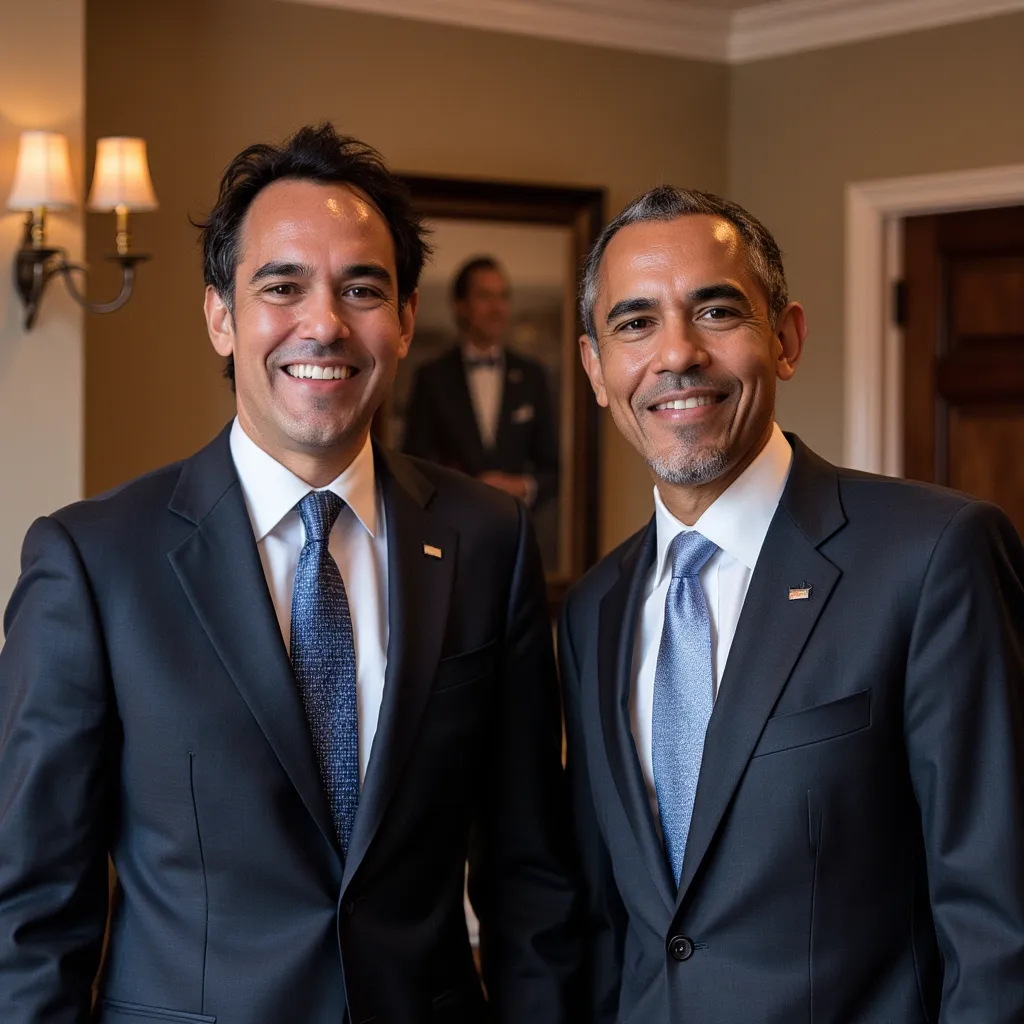
lora.safetensorsfile; Replicate’slucataco/flux-dev-loracan generate images using either a public Hugging Face LoRA repository or downloaded Replicate weights. - Cost and quality trade-offs: Training cost about $2.50 per model, while generation cost roughly $0.03 per image (about 30 images per dollar). Adding details such as age and gender to prompts improved likeness, while prompts involving other people could blend facial features.
Images & Media
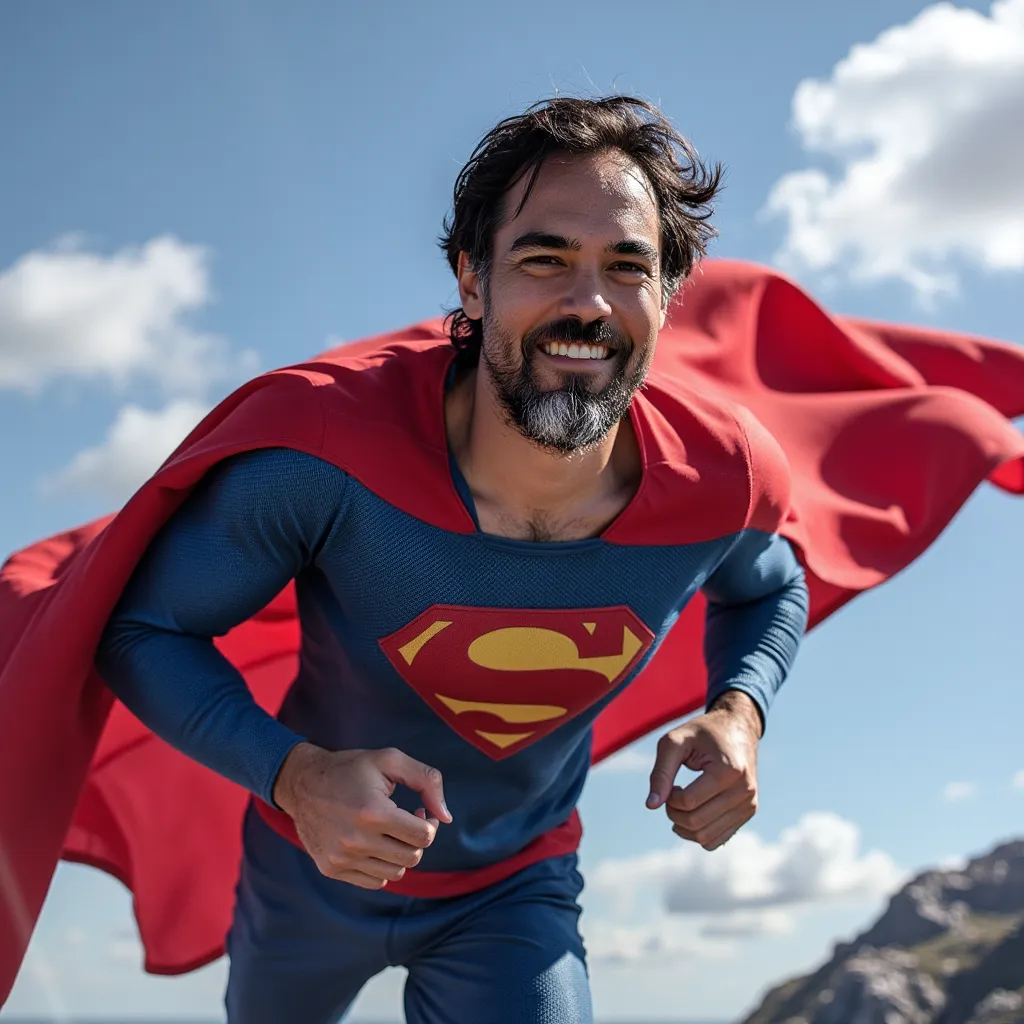
- Me as Superman — Example output from the author’s custom-trained personal image model.
- Training Set — Sample source photos showing varied angles, lighting, hairstyles, and settings for LoRA training.
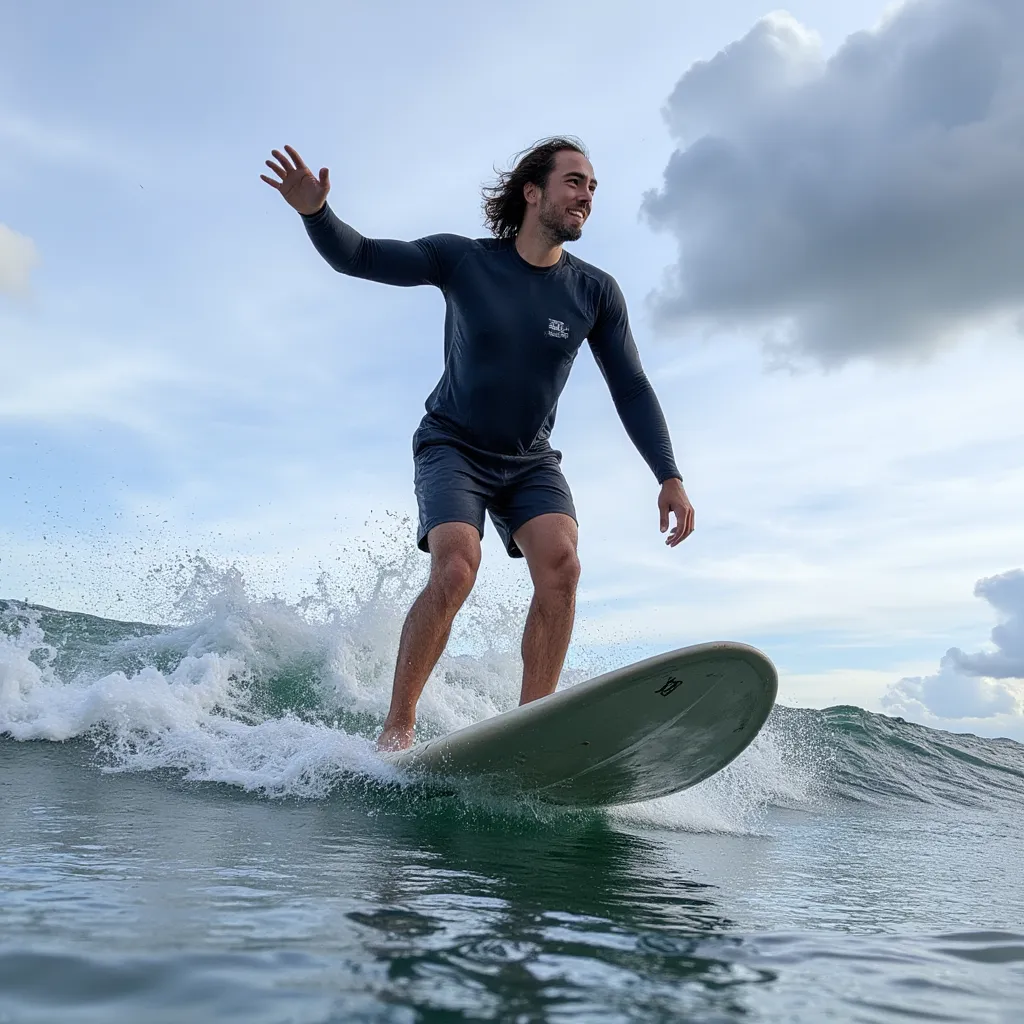
- Me Surfing — Example inference generated from the prompt “A photo of czue, surfing.”
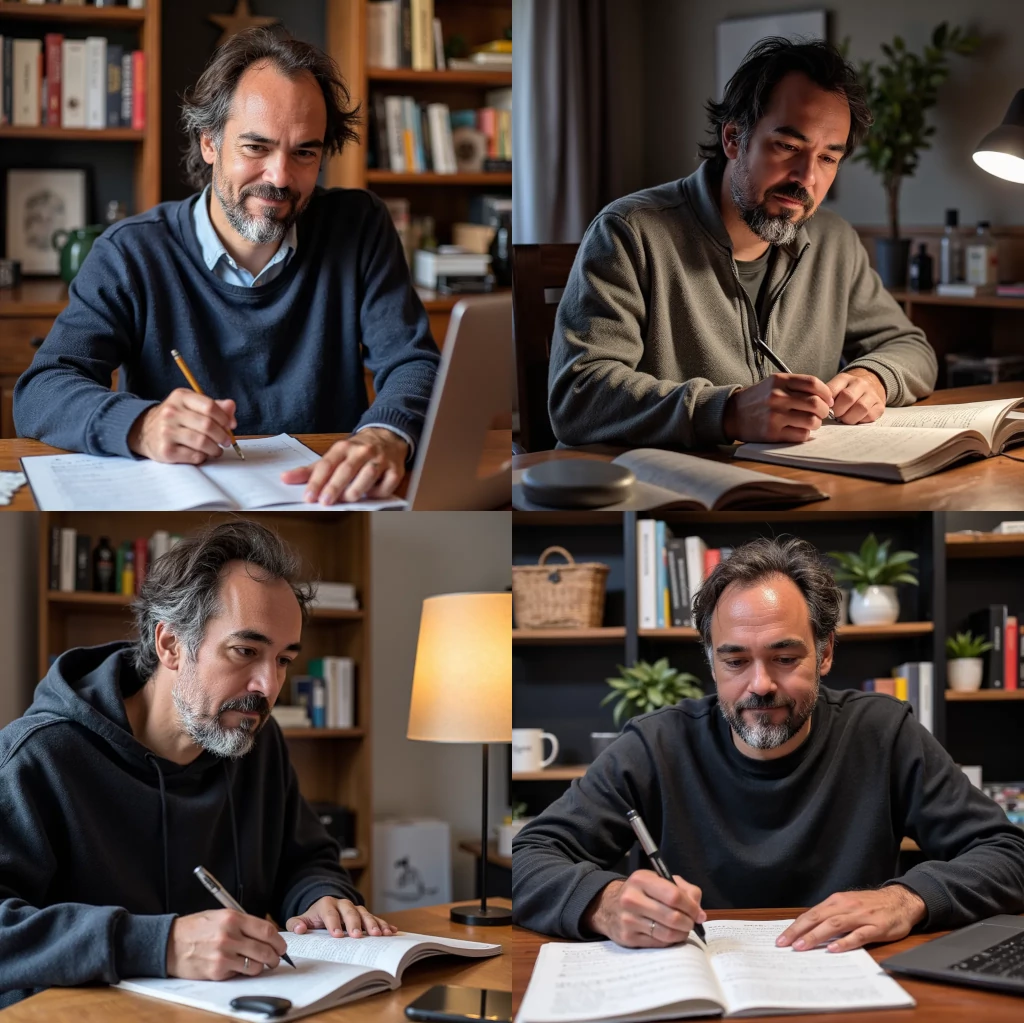
- Prompting comparison: good results — Results using extra subject details, including “a 40 year old man.”
- Prompting comparison: inconsistent results — Results from a less specific blog-post prompt.
- Me and Barack — Example showing the model’s difficulty preserving identities when another person is included.
Referenced Links
- SaaS Pegasus — The author’s SaaS/AI starter project, which could potentially incorporate custom image models.
- Flux — Base image-generation model selected for its quality relative to Stable Diffusion.
- LoRA (Low-Rank Adaptation) — Fine-tuning technique used to train a compact personal adapter.
- Replicate Flux Dev LoRA Trainer — Hosted recipe used to train the Flux LoRA.
- Hugging Face — Model hosting platform used to store and integrate the trained LoRA weights.
- flux-dev-lora-runner — The author’s Python CLI script for running prompts against the trained model through Replicate.