You can convert a Mac Mini into a NAS, and it's not even that bad
An unused Mac Mini can become a compact, power-efficient NAS using macOS file sharing and external storage. The main compromise is non-upgradeable internal storage, making a DAS enclosure and NAS-rated drives essential for larger, always-on data pools.
You can convert a Mac Mini into a NAS, and it’s not even that bad
Author: Rich Edmonds | Published: 2024-12-01 | Generated: 2025-04-05 | Domain: xda-developers.com
Tags: ‘#mac-mini’ ‘#nas’ ‘#home-lab’ ‘#macos’ ‘#file-sharing’ ‘#storage’
TLDR
A Mac Mini—particularly an Apple Silicon model—can serve as a capable, energy-efficient DIY NAS if you already own one, avoiding the cost and e-waste of buying dedicated NAS hardware. macOS provides built-in SMB file sharing and remote screen sharing, while a USB direct-attached storage (DAS) enclosure expands the otherwise non-upgradeable internal storage. Keep macOS and applications on the Mini’s internal drive, and use NAS-rated external disks for persistent shared data.
Key Takeaways
- Repurpose existing hardware: A Mac Mini includes wired LAN, internal storage, USB connectivity, and sufficient performance for home or office network storage; use Ethernet rather than Wi-Fi.
- Apple Silicon is well suited: Apple Silicon Mac Minis combine strong performance with energy efficiency, making them practical for lighter and heavier NAS workloads.
- External storage solves the main limitation: Internal storage cannot be upgraded, so attach a DAS enclosure over USB and populate it with drives to expand the storage pool; RAID and storage pools can provide redundancy.
- SMB sharing setup: In System Preferences > General > Sharing, enable File Sharing, add shared folders or volumes, assign per-user permissions, then enable Share files and folders using SMB in Options.
- Manage it headlessly: Enable Screen Sharing under General > Sharing and connect through a VNC viewer, allowing the Mini to be stored away from its keyboard, mouse, and display.
- Use drives designed for NAS duty: Reserve the Mini’s internal drive for macOS and apps; use NAS-rated disks such as Seagate IronWolf or Western Digital Red for external always-on data storage.
Images & Media
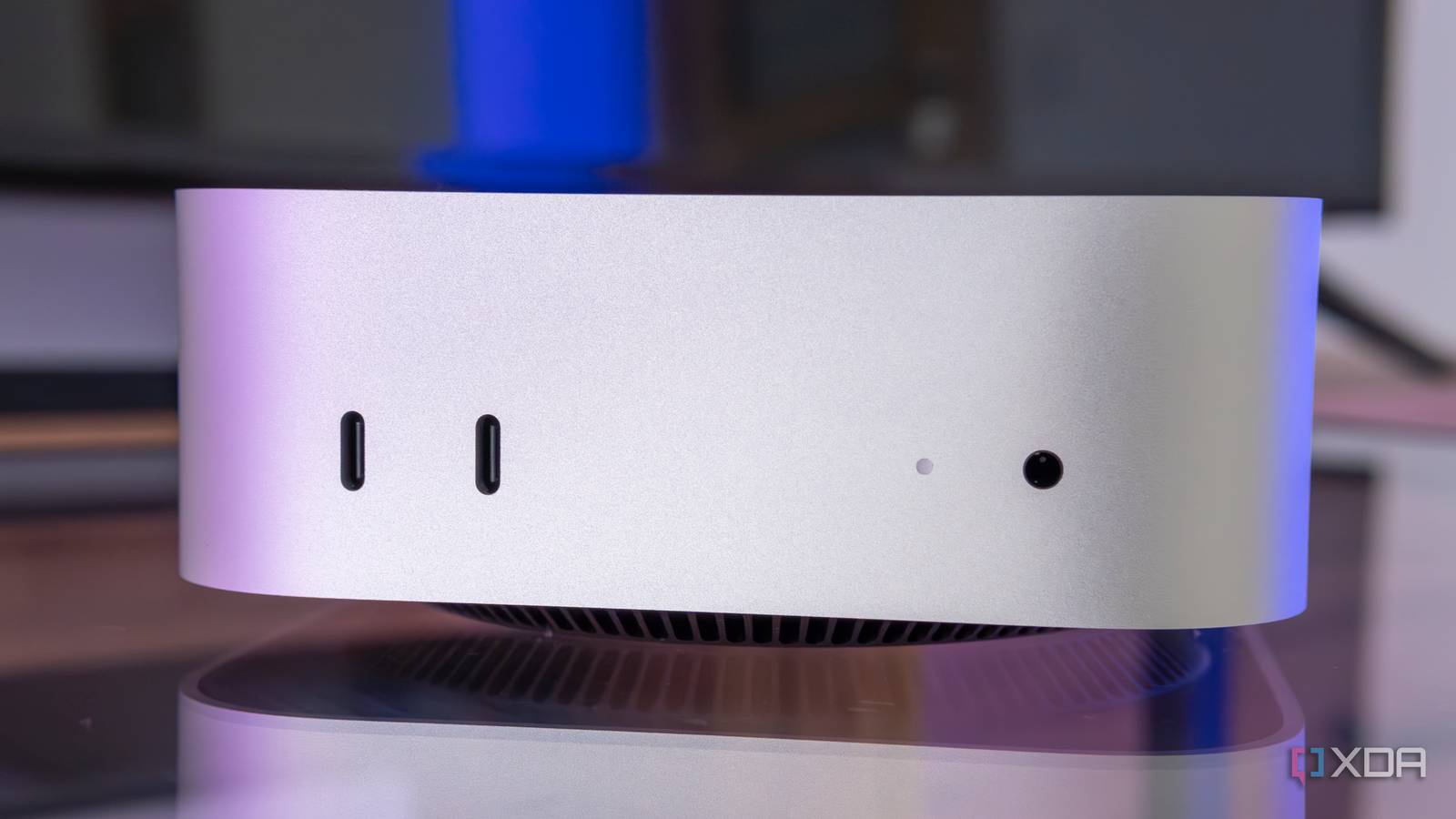
- Close-up front view of the Mac Mini — Lead image of the Mac Mini used as the proposed NAS platform.
- An M4 Mac Mini on a desk — Illustrates the compact Apple Silicon Mac Mini hardware.
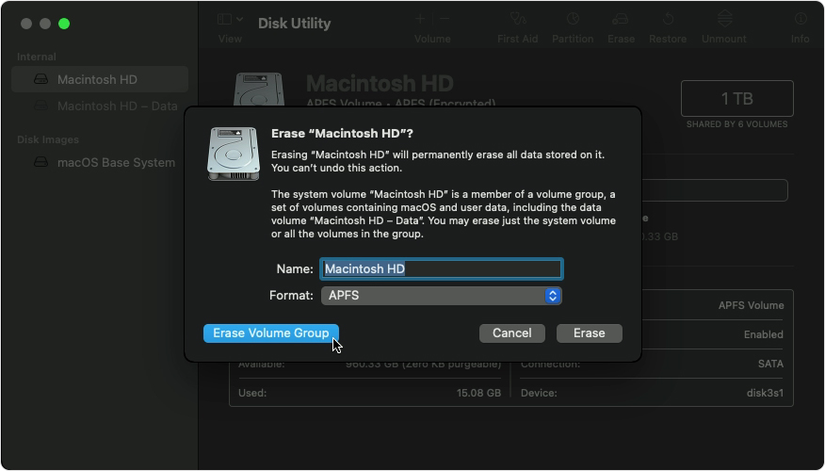
- macOS erase volume group — Disk Utility step for erasing the primary drive before a clean macOS installation.
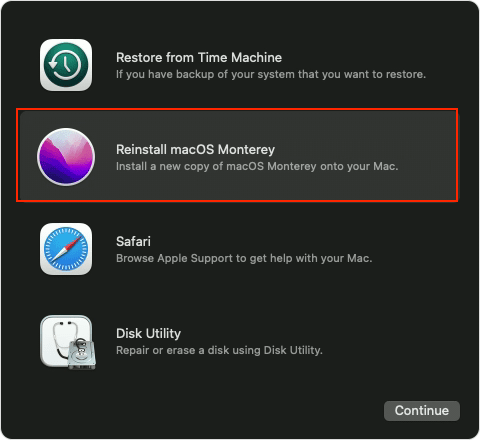
- Reinstall macOS option in Recovery — Recovery menu option used to reinstall macOS.
- File Sharing on macOS 14.5 — macOS Sharing settings where File Sharing is enabled.
- Configuring SMB File Sharing in macOS 14.5 — SMB option required for network file access from compatible clients.
- Screen sharing preview in macOS Sequoia — Demonstrates the remote-management capability for a headless Mac Mini NAS.



Referenced Links
- Apple finally admits that 8GB RAM isn’t enough — Context on Apple moving beyond 8GB of base memory.
- Mac Mini (M4, 2024) review: I can’t wait for Windows PCs to catch up — XDA review of the 2024 M4 Mac Mini.
- Restore macOS — Apple reference linked for the disk-erasure/recovery process.
- How to reinstall macOS without losing data — Related guide for reinstalling macOS while preserving files.
- Best hard drives for NAS — Drive recommendations for expanding NAS storage.