apfel - Your Mac Already Has AI
apfel exposes Apple’s built-in on-device language model as a zero-configuration CLI, local OpenAI-compatible server, and chat tool. It targets Apple Silicon Macs on macOS Tahoe, emphasizing privacy, scripting, and no token costs.
apfel - Your Mac Already Has AI
Author: Arthur-Ficial | Published: Unknown | Generated: 2026-04-03 | Domain: apfel.franzai.com
Tags: ‘#local-ai’ ‘#macos’ ‘#apple-intelligence’ ‘#cli’ ‘#mcp’ ‘#openai-compatible’
TLDR
apfel is an open-source Swift 6.3 tool that turns Apple’s Foundation Models framework into a UNIX-friendly CLI, interactive chat client, and OpenAI-compatible local server. It uses the roughly 3B-parameter Apple Foundation Model already installed with Apple Intelligence on Apple Silicon Macs running macOS Tahoe, avoiding model downloads, API keys, cloud calls, and token fees. Its 4,096-token context window makes it best suited to shell automation, short text transformations, summarization, translation, and lightweight tool use rather than long-context or complex reasoning workloads.
Key Takeaways
- Zero-config local inference: Install with
brew install apfel; the tool uses the system model supplied through Apple’sFoundationModelsframework, requiring Apple Silicon, macOS 26 Tahoe or newer, and Apple Intelligence enabled. - Three access modes: apfel provides a composable CLI with stdin/stdout and JSON output,
--chatfor managed multi-turn sessions, and--servefor an OpenAI-compatible API athttp://127.0.0.1:11434. - Native MCP tool calling:
--mcpconnects local or remote Model Context Protocol servers, auto-discovers tools, executes calls, and feeds results back to the model across CLI, chat, and server modes. - Small fixed model constraints: Apple’s model is described as roughly 3B parameters, using mixed 2/4-bit quantization with a combined 4,096-token input/output context window; it is useful for concise transformations and scripts but limited for factual recall, math, large documents, and complex code generation.
- Privacy and interoperability focus: The project claims no telemetry, analytics, background network calls, or data collection; its OpenAI API support includes streaming, tool calling,
GET /v1/models, JSON response formats, CORS, and common generation parameters.
Images & Media
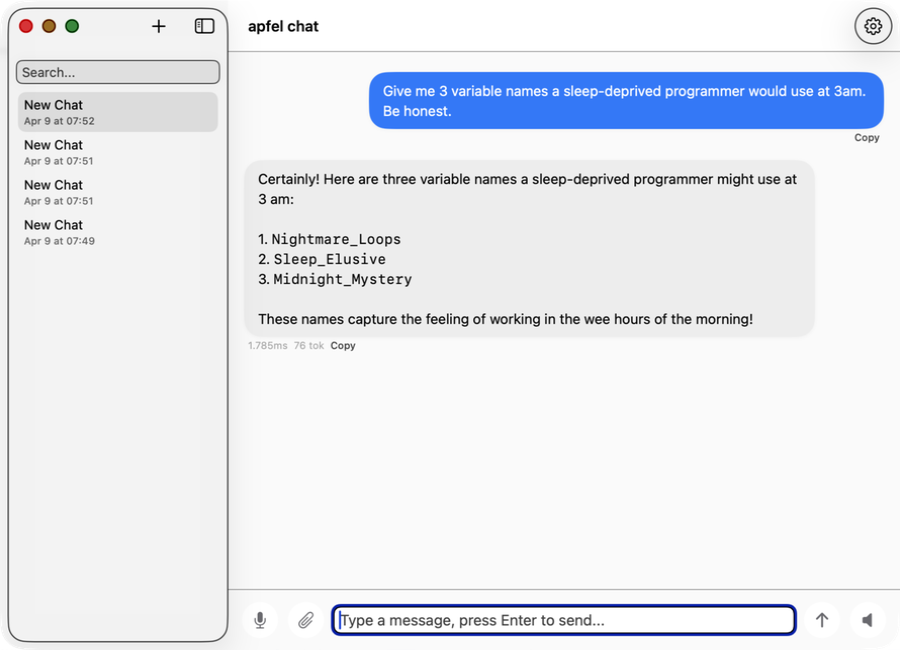
- apfel-chat conversation screenshot — Screenshot for the companion private macOS chat application.
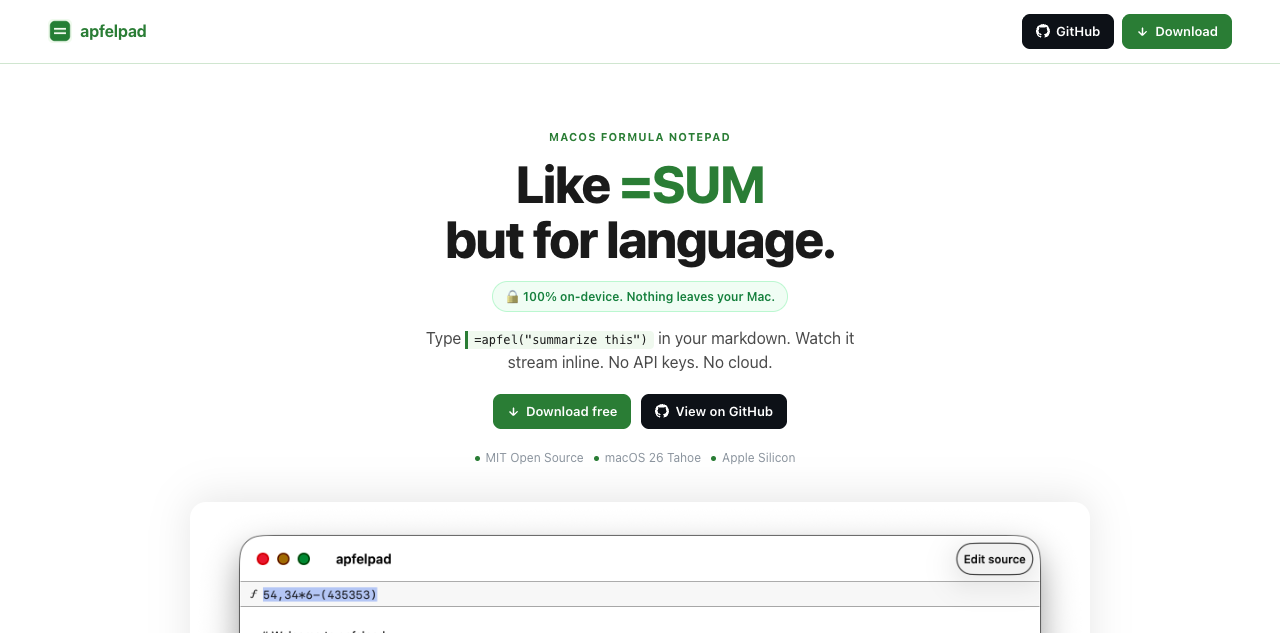
- apfelpad preview — Illustration of the formula-notepad companion app that runs inline AI prompts.
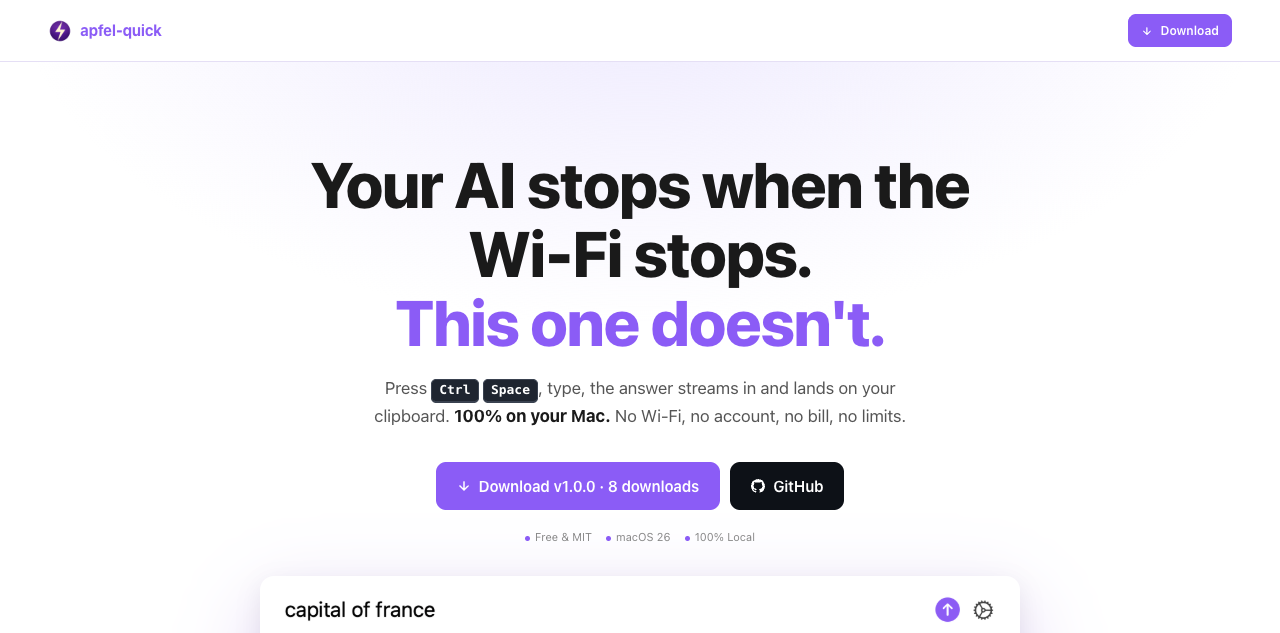
- apfel-quick preview — Preview of the instant macOS AI overlay companion app.
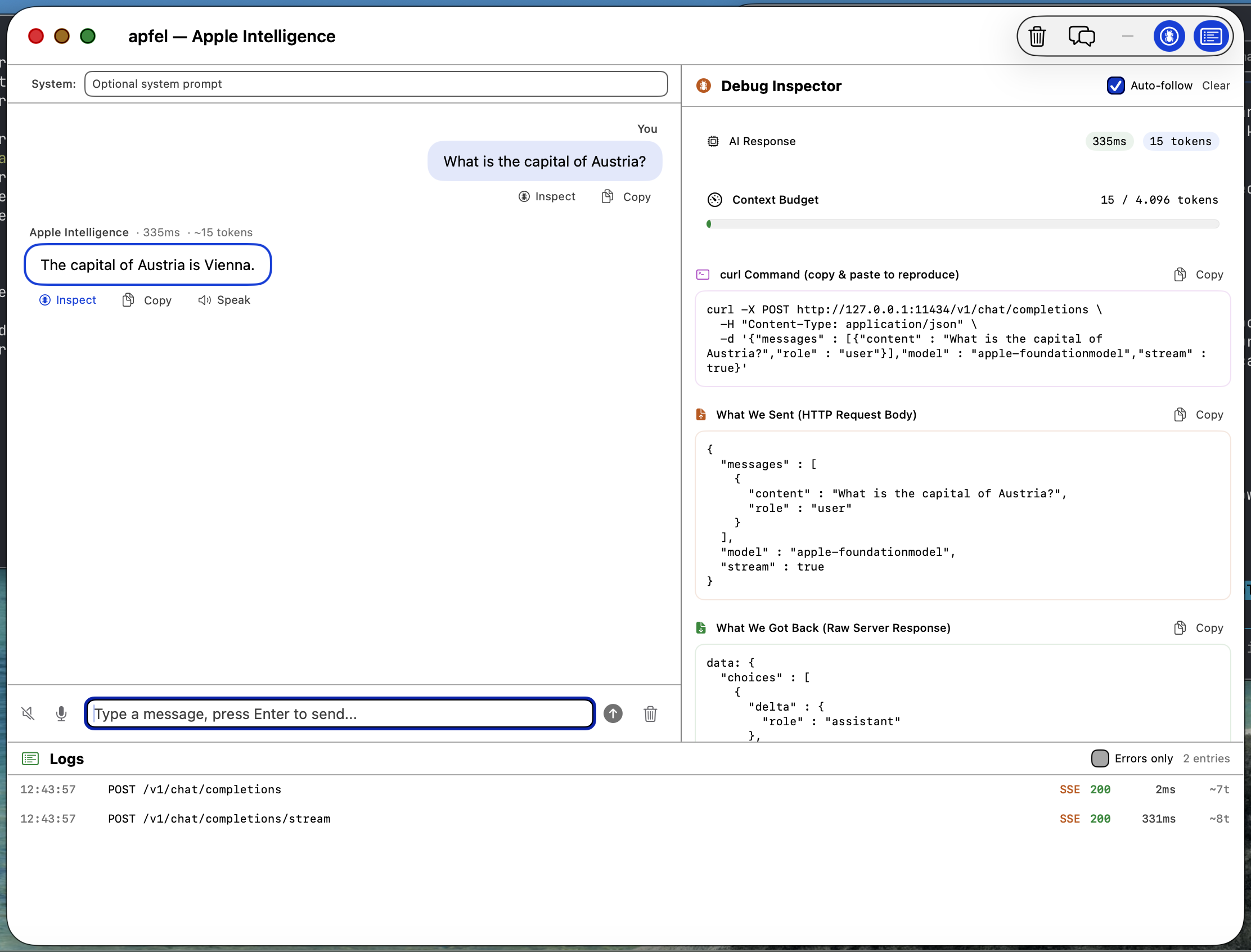
- apfel-gui screenshot — Screenshot of the native SwiftUI debugging GUI for Apple Intelligence requests and responses.
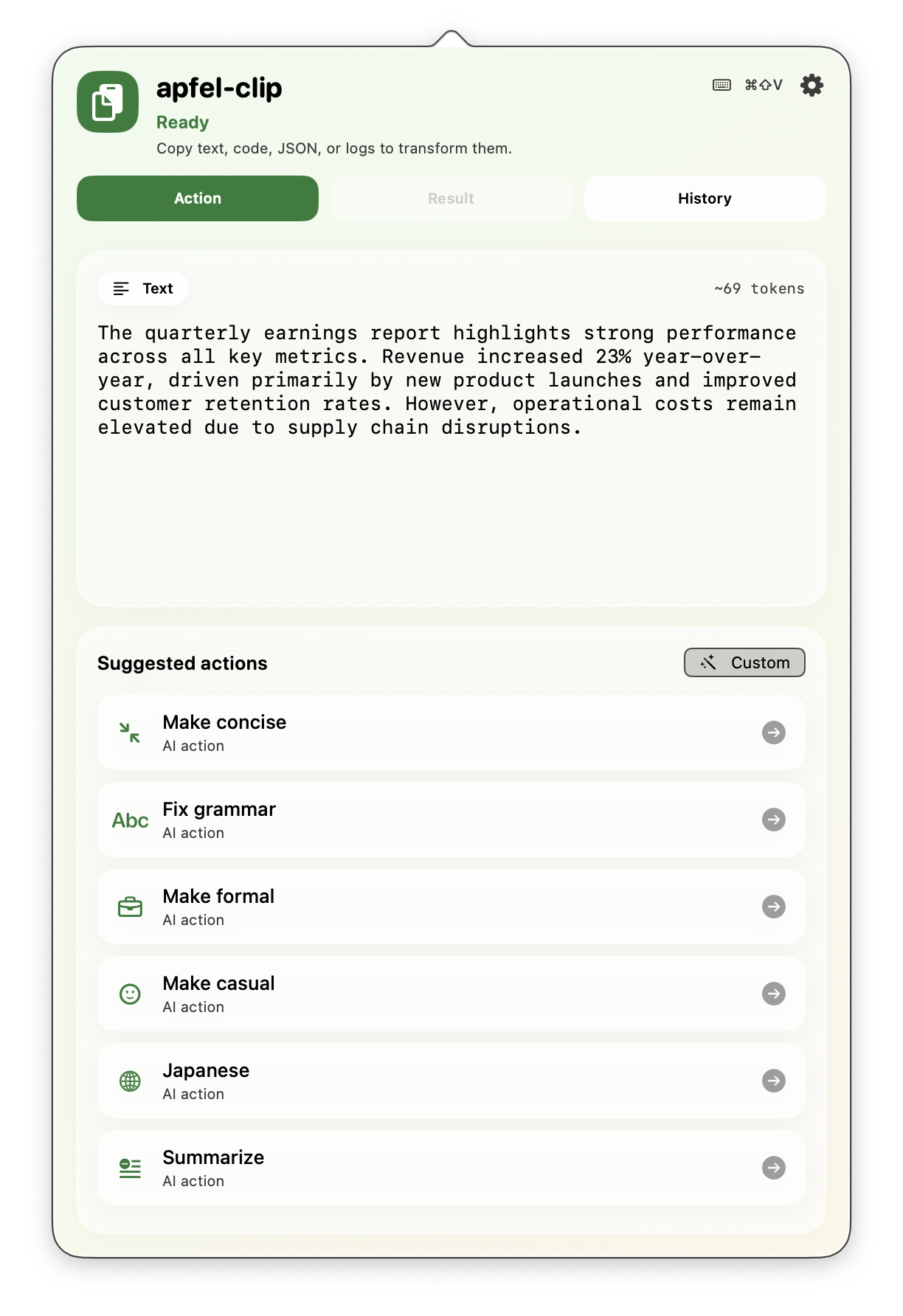
- apfel-clip actions screenshot — Screenshot of clipboard-based AI actions in the macOS menu bar.
Referenced Links
- apfel GitHub repository — Source code, installation instructions, releases, examples, and MIT license.
- Apple Foundation Models framework — Apple’s Swift API exposing
SystemLanguageModeland on-device inference capabilities. - Introducing Apple Foundation Models — Apple ML Research overview of the underlying foundation models and privacy approach.
- Model Context Protocol — Protocol used by apfel to discover and invoke external tools.
- Apple Intelligence privacy and on-device processing — Apple privacy documentation cited for on-device processing claims.
- Tool Calling Guide — apfel documentation for configuring MCP and tool calling.